


[Howdy, Scott here again. This is the third of a three part series on the steps I take when location scouting as Chase’s lead assistant. In the first two posts we discussed virtual scouting and weather. Now we’ve done everything that we can do from a desk and it’s time to put the rubber to the road. Good old fashioned Location Scouting.]
Let’s assume we have decided on a region we think will have the right physical characteristics and weather to meet the client’s needs. Kate and the rest of the production team have kicked into high gear and booked flights, lodging and ground transportation for the crew. We’ve said goodbye to the spouses and pets and have hopped in planes, trains and automobiles. Now after a weary day or two of travel we’ve arrived. It’s time to check in, hang up the shirts, grab a nap, head down to the pool for a refreshing swim and a cocktail, gotta energize, there’ll be work to be done tomorrow. Oh, were it only so easy…. The fact of the matter is, every room night, every meal, every travel day, scout day and shoot day cost the client significant money. So if the sun is still in the sky, we’re scouting, working, prepping etc…cocktails and naps be damned. Lemme run you through the who, what, where, when and why.
First, a quick meeting. Everybody’s got their necessary paperwork, reference photos, design layouts, maps, etc., which are used to determine what locations we want to spend the time actually scouting in person. Much of this is determined before the travel, but there is still generally a whittling process that goes down when everyone is in the same room. This is a quick process and then it’s time to roll. The most common mode of travel is cars, but we’ve scouted with helicopters, boats, bikes and skis. Best tool for the job and all that.
Who’s going? Chase as photographer or director, myself as the technical half of his brain, our director of photography if we’re shooting video, the executive producer who will be looking at things from a logistics standpoint, the location scout (this is the local person we’ve been working with remotely before our arrival), the creative director and/or art director from the client. Other key players such as drivers, athletes, grips, gaffers, technical advisors, etc. may all be involved in the scout. The rule of thumb is that if the person has a lead role in any part of the execution they’ll be on the scout. Something that looks great from an aesthetic standpoint might be impossible to permit or be too dangerous for the talent. It’s best to get everyone’s sign off as early as possible.
What to bring? Many years of experience have brought us to a point where we take the same kit out every day of scouting. It’s a tapered down kit that covers three bases; it needs to record the information we see on the scout, it needs to fit in the carry-on luggage since we frequently scout upon arrival, and it needs to work as a bare minimum shooting kit in case our equipment is held up for a day or two in transit and we have to start the job without it. Here’s what it looks like:
Nikon D3S
Nikon 14-24 2.8 Lens
Nikon 24-70 2.8 Lens
3 Camera Batteries
48 GB of CF Cards
Battery Charger
17″ Mac Book Pro
256 GB G-Drive Mini Hard Drive
Card Reader
Lens Cloth
Air Blower
Compass
iPhone (Compass, MotionX GPS and Sun Seeker Apps are super helpful)
Notebook and Pen
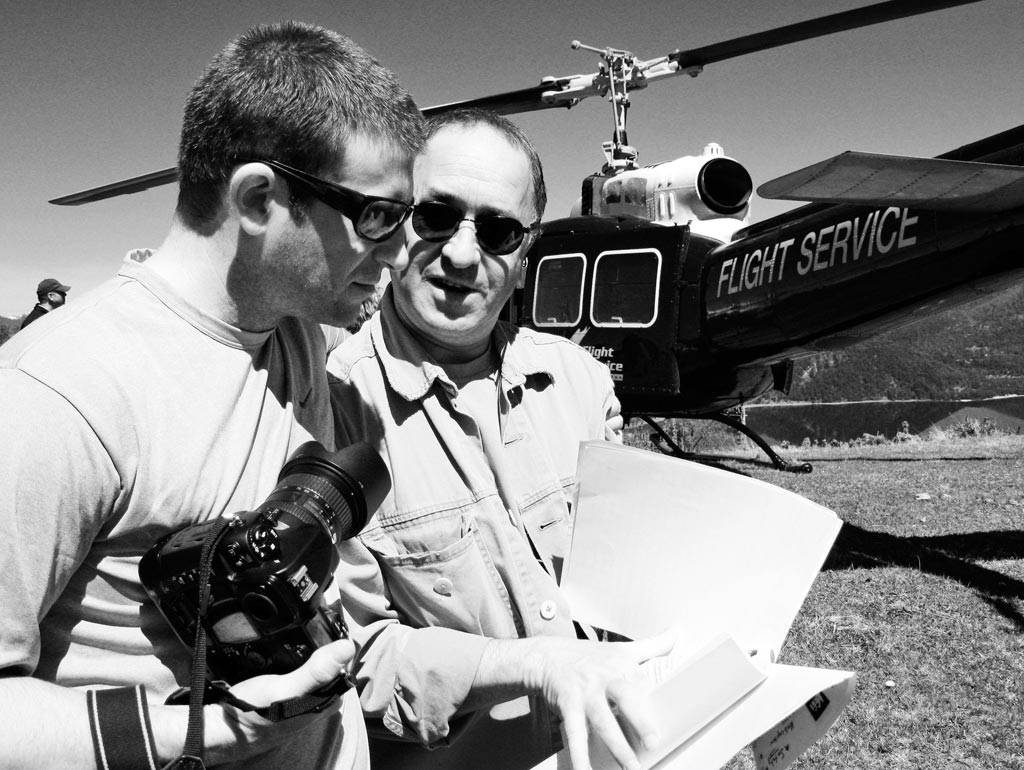
Chase and Arturo, our Chilean Producer on a scout.
When scouting the locations, the job is to get as much information as possible in as little time as possible. Generally Chase and I are working closely to get images and take note of any and all photographic considerations. It is absolutely key to have an understanding of how the sun will move across the sky. If we’re going to be working indoors we’ll be looking at how we can meet our lighting and power needs. For each location we visit we’ll have found our primary angles, logistical considerations, and optimal time to shoot. We’ll do this at as many locations as we can fit into the day unless we decide that we’ve got everything we could possibly need, then it’s back to the base camp for more planning.
Having returned from scouting, it’s time for cocktails…almost. First, all of the key players split up for a little bit in order to digest and prepare the information that they gathered while out on the scout. For me this means getting all of the photos into Aperture, grouping them by location and geo-tagging them on a map. I’ll also add pertinent information from my notes such as “direct sun from 8-11am”. The producers, location scouts and art team are all going through a similar process with their own assets.
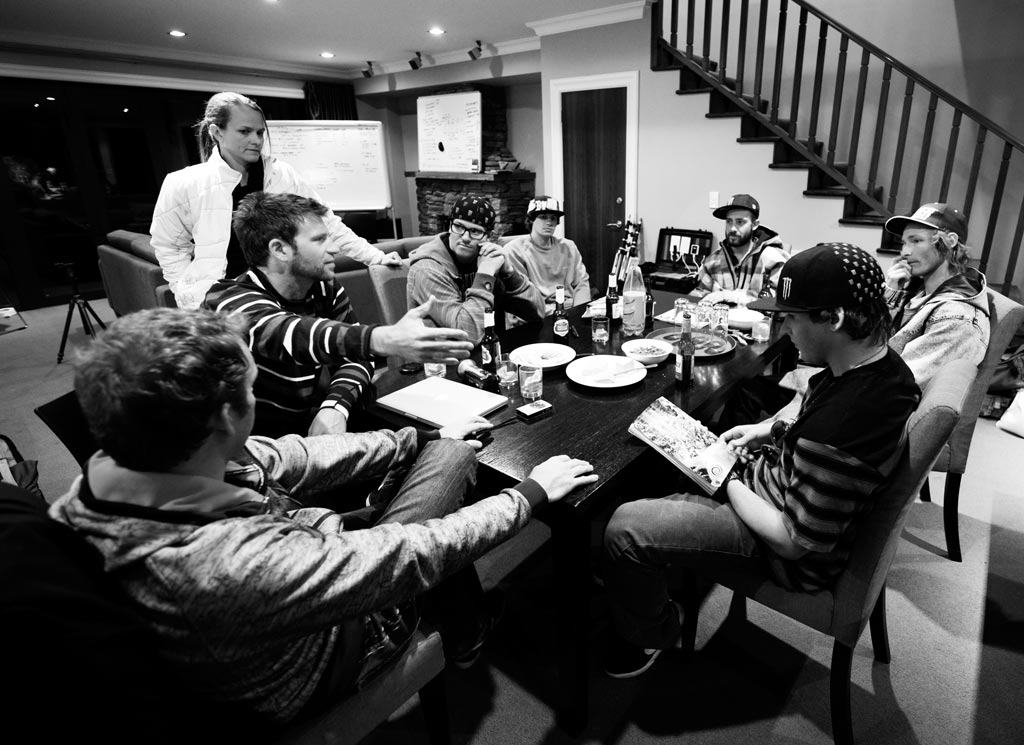
Pre-shoot meeting, New Zealand
And now it’s finally time to relax. The whole scouting team usually gets together over a beer, each bringing their thoughts and visual aides to the table. Generally we’ll grab a white board or a large pad of paper and start to sketch out the best way to sync the location(s) with the requirements of the shoot. If the project encompasses multiple days and locations it requires that we take into consideration each location, available talent, travel times, optimal shooting times, production logistics, weather, etc. Each of these moving parts has to be considered in order to make the most efficient and effective use of the limited time.
This is where working with a pro crew becomes a huge luxury. If everyone has a great grasp on their part of the project and a global perspective on the shoot, this can be a fantastically organic and painless process. Once all of the location decisions have been made and shot order determined it’s time to pass the information along to everyone in the crew. The producers and scouts can get going on permits, the stylists can start prepping wardrobe, the art directors can tighten their shot lists, and we can get all of the gear ready for an early start in the morning.
There you have it. The nuts and bolts of photo assisting in the days leading up to the project. I hope this has been helpful. Please feel free to use the comments section of this post to bring up any other questions or discussions you’d like to see.













Really great post Scott. As a single shooter who tries to plan for all eventualities your prep overview as well as gear guide is invaluable to me. I have recently become acutely aware of just how important the scouting process is. I have become dependent on quick relationship building with locals in order to find a starting point for my shot list. Your post serves to drive home the fact that the prep is really a very huge part of the entire game. Perhaps someday I will have the luxury of working with a team such as yours; until then I will continue to triple check my gear and shot list and scout as intelligently and efficiently as possible. Keep living the dream and thanks again.
Greats post Scott. Curious about the need for another producer (besides your own Kate); what are their responsibilities? Are there always multiple producers on your team during a given shoot?
Ramene,
The producer may be Kate, it could also be a producer from the ad agency or client side. Each contract is different in terms of how the production responsibilities are split. Sometimes multiple producers will share the workload – perhaps one concentrates on crew logistics while another works with casting and permitting. It all depends on the scope of the shoot.
I want to help you lighten your load. The iPhone 4 has a compass app built in. No need to lug a compass around anymore.
Ben, gotta represent the boyscout’s motto on this one – “always be prepared.” The iPhone does the trick unless you run into trouble with digital interference or you have battery issues, then there’s nothing like a magnetic needle floating in liquid to quickly solve your problem.
Thanks for taking the time to put together this 3 part post. Great stuff!
Have you used a program called TPE or The Photographers Ephemeris? I assume Sun Seeker does the same thing. But if you have not looked at TPE check it out. Might help with Virtual Scouting.
My other question is on the arrival day scouting shoot do you use a stand-in/model to try and nail down your exact shot for the next day or is it a bit more relaxed and you are mainly just focusing on the background elements?
Will,
Just checked out TPE, count me in!
As to the stand in model, generally this is unnecessary as it’s more about making sure the environment will work. I tend to be the default stand in. In fact, at some point we’re going to publish a collection of test shots of me acting oddly in crazy locations all over the world. There are extenuating circumstances when you need the model on set for the scout, but this is not the norm.
dang i liked this series