Google recently dropped this update (built on their Gemini 3 model), and the buzz is real. But buzz doesn’t pay the bills—workflow does. I’ve had my team dig into the specs and community questions to bring you the definitive Nano Banana Pro FAQs for creative professionals like photographers, designers, marketers, etc.
Here’s everything you need to know to decide if this tool belongs in your creative stack (and spoiler warning, it does):

Q: What exactly is Nano Banana Pro?
A: Nano Banana Pro is Google’s latest, high-end AI image generation and editing model. While the standard “Nano Banana” (the Fast model) is built for speed and quick ideation, the Pro version is the heavy lifter. It’s built on the Gemini 3 Pro Image architecture, designed specifically for professional creative work that requires high resolution, complex visual reasoning, and precise control.
Q: Is this just another text-to-image generator?
A: Yes and no. It generates images from text, but the “Pro” label comes from its new “Thinking” mode. Unlike standard models that just “guess” at your prompt, Nano Banana Pro can actually reason through complex instructions, plan the composition, and access Google Search to ground the image in reality before it starts rendering.
Q: What kinds of images can it generate?
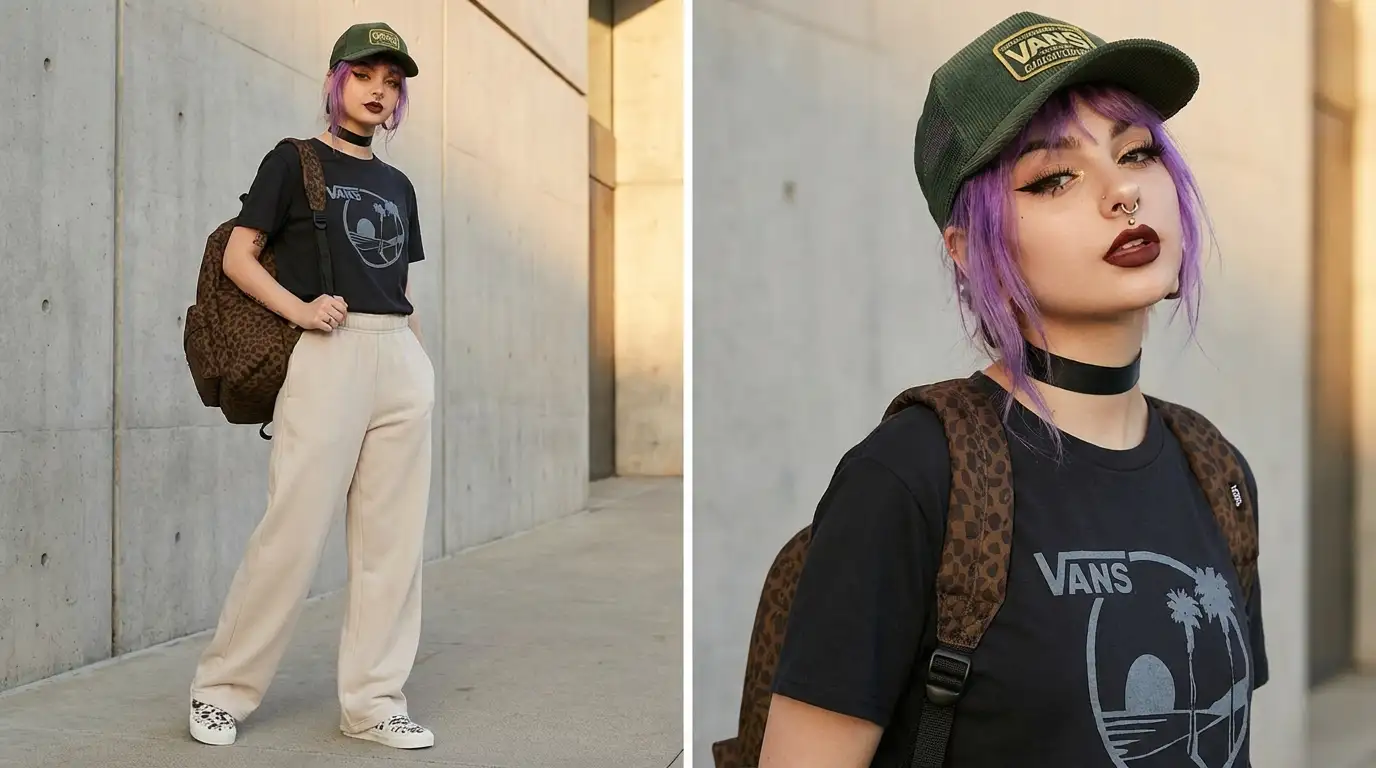
A: Don’t let the name fool you—this isn’t just for making funny pictures of fruit. Nano Banana Pro is a full-spectrum visual engine. It moves effortlessly between styles. We are talking high-fidelity photorealistic portraits, complex 3D renders, stylized vector illustrations, and even detailed infographics. It’s also proving to be a powerhouse for logo design and branding concepts because it understands shape and negative space better than previous models. Whether you need a storyboard for a film or a clean icon set for an app, it handles the assignment.
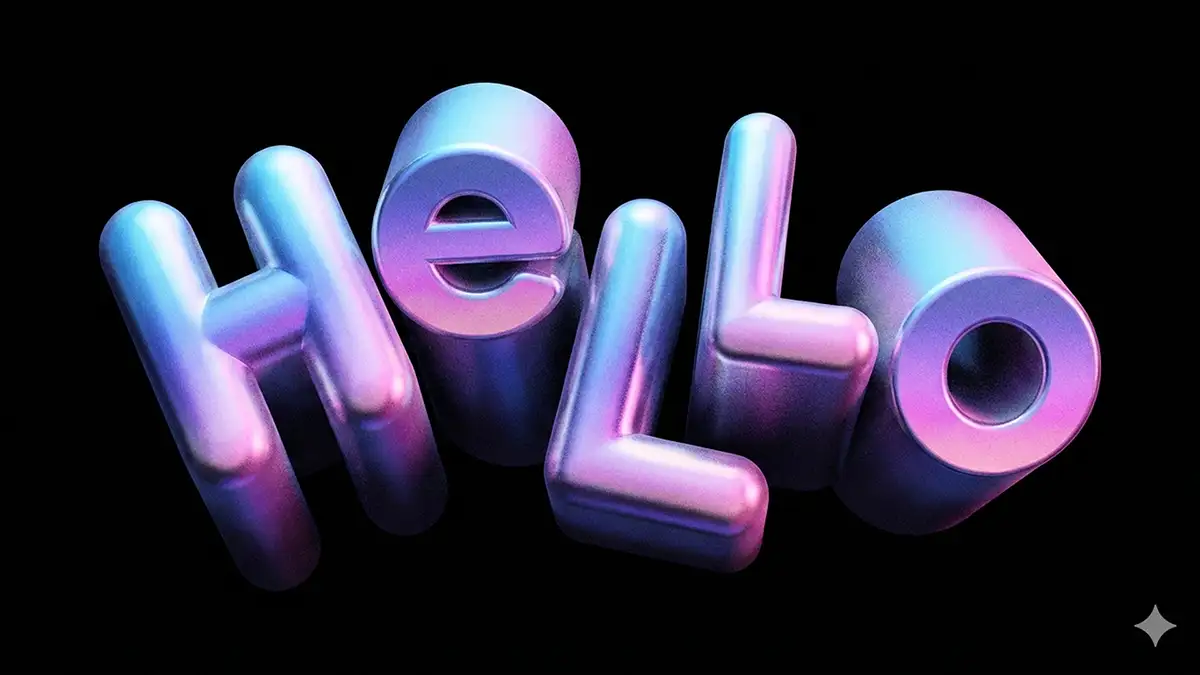
Q: Does it handle text well?
A: Yes. This is the headline feature for many of us. Historically, AI image generators like ChatGPT have been terrible at text – giving us alien hieroglyphics instead of English. Nano Banana Pro has cracked this code. It is incredibly good at rendering clear, legible text directly within the image.
-
Why this matters: You can finally generate a movie poster with the title spelled correctly, or a product shot with the actual brand name on the label. It removes a massive step of post-production work.
Q: Can I control the camera and lighting?
A: Absolutely. The model understands cinematographic language. You can prompt for specific camera angles (e.g., “low angle,” “hero shot”), lighting setups (e.g., “Rembrandt lighting,” “softbox”), and aspect ratios. Because it uses visual reasoning, it adheres to these constraints much better than previous iterations.
Q: How is it different from ChatGPT’s image generator?
A: ChatGPT uses DALL-E 3, which is great for conversational prompting, but Nano Banana Pro feels like a generation ahead in terms of control and “reasoning.”
-
Text Rendering: As mentioned, Nano Banana Pro is far superior at handling specific text requests compared to DALL-E 3, which still struggles with consistency.
-
Photorealism: Nano Banana Pro leans heavily into hyper-realism and lighting accuracy, whereas DALL-E 3 often has a distinct “smooth,” digital-art look.
-
Prompt Adherence: Because of the new “reasoning” capabilities, Nano Banana Pro listens to complex instructions about composition and camera angles much more strictly than ChatGPT does.
Q: What is SynthID?
A: This is Google’s answer to the “deepfake” problem, and for pros, it’s a safety net. SynthID is an imperceptible watermark embedded directly into the pixels of the images generated by Nano Banana Pro. You can’t see it with the naked eye, and it doesn’t degrade the image quality, but it stays detectable by software even if the image is cropped, filtered, or compressed.
-
For Creators: This helps establish provenance. It’s a way of saying, “Yes, this was AI-generated,” which is becoming increasingly critical for commercial transparency and copyright discussions.
- Here’s how to remove the watermark
Q: Is Nano Banana Pro free?
A: Yes and No. It follows a “Freemium” model.
-
Free Users: You can access the Nano Banana Pro model, but it is heavily restricted. You typically get a daily limit (e.g., 3 generations) and the resolution is often capped at 1MP (approx. 1024×1024). It’s enough to test the reasoning capabilities, but not enough for professional production.
-
Paid Users (Gemini Advanced): To unlock the model’s true potential—4K resolution (approx. 8MP), high daily quotas, and commercial usage rights—you need a Gemini Advanced subscription or a Google Cloud Vertex AI account.
The Verdict: Nano Banana Pro is legit
I have tested a lot of tools, and I don’t say this lightly: Nano Banana Pro lives up to the hype.
It is by far the most advanced image generation tool yet. The jump in quality—specifically regarding text rendering and prompt adherence—is palpable. It stops feeling like a slot machine and starts feeling like a professional instrument.
If you are a creative professional, you should be looking to see how you can add this to your workflow immediately. Whether you use it for rapid storyboarding, high-end mockups, or final assets, it provides a level of control we haven’t seen before.
Yes, it is THAT good.
More on Nano Banana:
- How to repose a model
- How to do style transfer in Nano Banana
- Nano Banana FAQs
- Does JSON prompting work?
- How to master Nano Banana prompting
- Nano Banana vs ChatGPT Image 1.5
- How to use Midjourney with Nano Banana Pro
- Remove the Nano Banana watermark
- Nano Banana pricing
- Set up a virtual product shoot with Nano Banana
- Create a VHS effect