Jan
21
Hey friends, Chase here This episode is short and practical — and it centers on a simple idea that tends to hit a little deeper once you really sit with it: you are not your goals. You are not your intentions. You are what you do repeatedly. Around this time of year — or anytime you feel the urge for a reset — it’s easy to assume the problem is motivation. That you just need...
read more ›
Jan
18
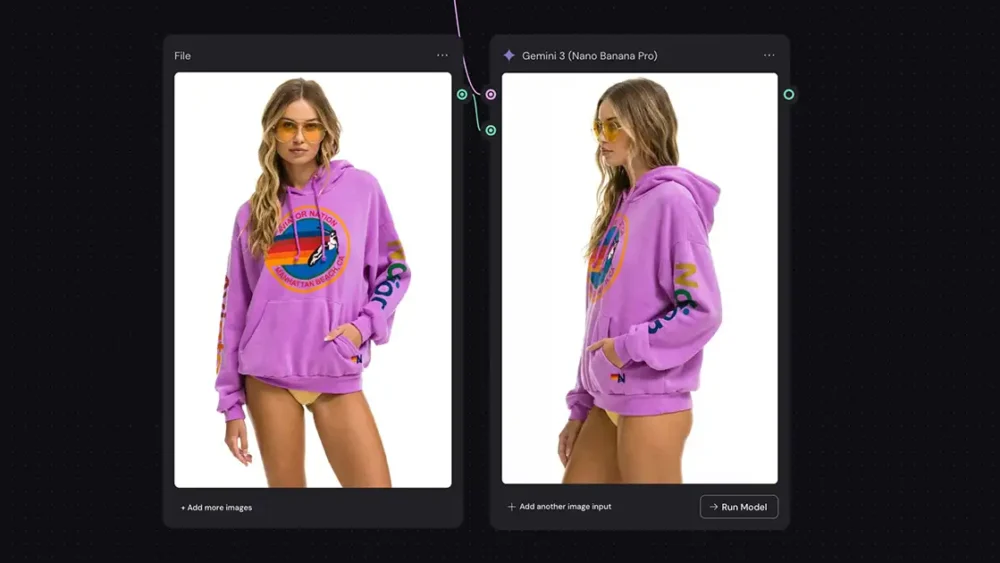
Nano Banana Pro (the engine behind Google’s Gemini 3 Pro Image) is rarely discussed as a dedicated upscaler, but it’s actually a powerhouse that delivers incredible results with zero friction. While most tools require fiddling with complex sliders, this one is radically simple: just prompt "Upscale to 4K" and the model understands exactly what to do. However, using the native web or mobile apps often adds a professional dealbreaker: a visible watermark or SynthID embedding....
read more ›
Jan
18
If you’ve ever had a perfect vertical shot that needs to be a horizontal hero image, you know the pain of manually painting in edges. Today, you can skip the grunt work and use generative "outpainting" tools like Nano Banana Pro. You can use the Gemini web or mobile app and simply prompt "Extend the image to fill 16:9," which usually yields great results. However, the native app applies a watermark, which is a dealbreaker...
read more ›
Jan
17
You're about to see how to take a messy napkin sketch and turn it into a consistent, studio-quality character using a workflow that actually respects your creative intent, using Nano Banana (Google's amazing image model) and Weavy (node-based canvas app). And importantly, the character will stay consistent across scenes, poses and even styles (want to render it as a B&W cartoon? Not a problem). I'll show you the step-by-step breakdown of how we built the...
read more ›
Jan
16
We talk a lot about the big players in AI video—Runway, Kling, Sora, Veo—but there’s one tool that is quietly crushing it right now, and almost nobody is talking about it: Grok Imagine. Grok is developed by xAI, and while it’s often buried in headlines about tweets and tech politics, for creative pros, it’s a sleeper hit. Specifically, its image-to-video capability is arguably the best "quick fix" animation tool on the market. It's fast, it's...
read more ›
Jan
15
Midjourney v7 Niji is here - a much-anticipated update to the aesthetic-focused AI image generation app. For the uninitiated, you might be asking: What exactly is Niji? In their own words, "this is our version of our image models specifically tuned for Asia and Anime." It’s a collaboration between Midjourney and Spellbrush, designed to understand the specific aesthetics, line work, and composition of anime and illustrative styles better than the base model. You can read...
read more ›
Jan
14
Hey friends, Chase here This episode is short and direct — and it centers on an idea that quietly changes everything once you really see it: most people aren’t stuck because they’re lazy or unmotivated. They’re stuck because they confuse urgency with importance. We’ve been trained to react. To answer what’s loud, immediate, and demanding. Emails. Notifications. Small fires that feel productive simply because they need attention right now. But being busy isn’t the same...
read more ›
Jan
10
We’ve all been there: you wrap a shoot, you get into the edit, and you realize the perfect shot is the one you didn’t take. You need a bird’s eye view, or just a slight rotation to make the composition sing, but the moment is gone. Until recently, that was it. You lived with the shot you had. But we are living in a wild time for creative professionals. The new wave of AI tools...
read more ›
Jan
08
The debate between MidJourney and ComfyUI is still a defining conversation for AI artists. Both tools can create industry-standard imagery, but they serve fundamentally different roles in a production pipeline. The choice is not about image quality, as both generate high-fidelity results. The choice is about process. Do you need an "Artist" that generates beautiful ideas instantly, or a "Technician" that executes precise instructions without deviation? This guide breaks down the pros and cons of...
read more ›
Jan
07
Hey friends, Chase here This episode is short and direct — and it centers on an idea that’s easy to overlook: rest isn’t something you earn after the work is done. It’s a skill you have to learn while you’re doing the work. Most of us don’t struggle because we lack motivation. We struggle because we don’t know how to manage our energy over time. We push past the point where the work is actually...
read more ›
« Previous Page — Next Page »