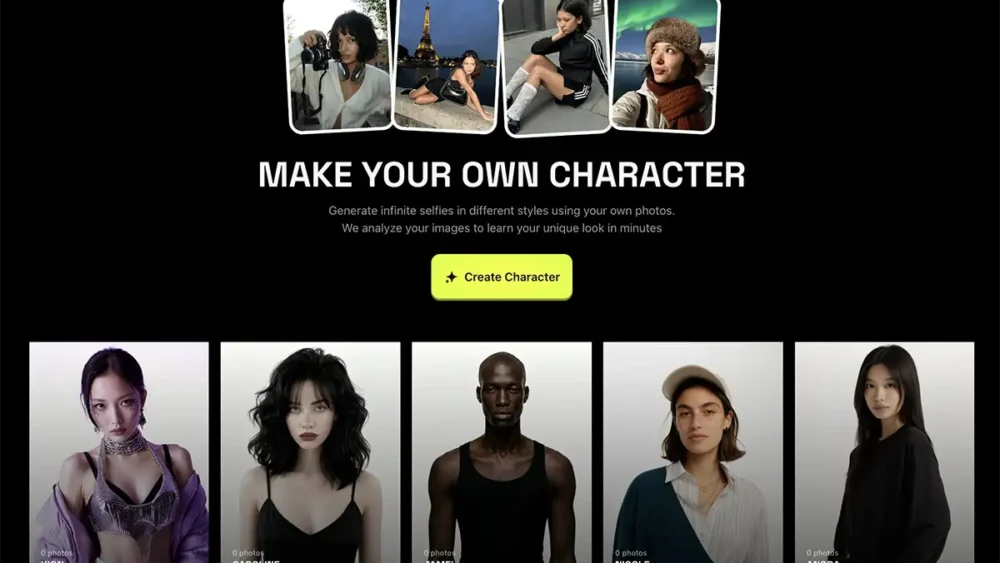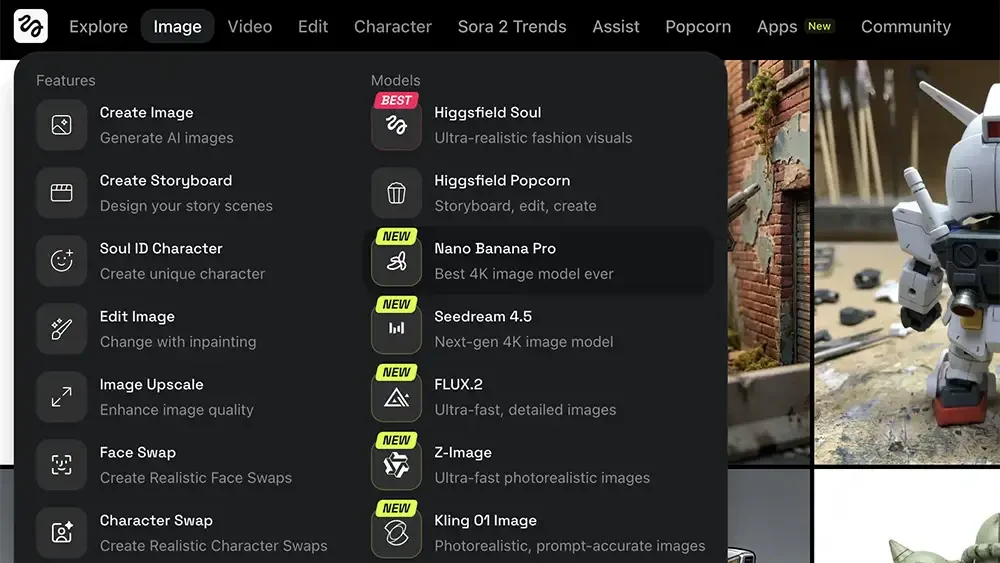
If you’ve been following the explosion of AI image generators lately, you know the landscape is shifting under our feet every single day. For creative professionals—photographers, designers, art directors—the question isn't "will AI replace us?" It's "is this the end of creativity or just the beginning?" and, more importantly, "which of these tools can actually help us execute our vision faster?" Today, I want to talk about Higgsfield Soul. I’ve been experimenting with it, and... read more ›
Dec
09
Dec
07
The internet is full of "hacks" on how to remove the Nano Banana watermark using clone stamps or third-party erasers. Don't do that. It degrades the image quality and wastes your time. If you really need to do it manually, Photoshop's healing brush tool is usually the easiest way. But the professional workaround is simple: Use the API. When you access the Nano Banana model through an API (Application Programming Interface), you generally bypass the... read more ›
Dec
07
Google recently dropped this update (built on their Gemini 3 model), and the buzz is real. But buzz doesn't pay the bills—workflow does. I’ve had my team dig into the specs and community questions to bring you the definitive Nano Banana Pro FAQs for creative professionals like photographers, designers, marketers, etc. Here's everything you need to know to decide if this tool belongs in your creative stack (and spoiler warning, it does): Q: What exactly... read more ›
Dec
03
If you’ve been following the explosion of generative AI, you know that we're all looking for the "edge." We’re looking for that secret syntax, that perfect workflow, or that one hack that turns a chaotic rigorous process into a predictable, high-quality output. Lately, I’ve been hearing a lot of chatter in the creative community about JSON prompting. The theory is seductive: By feeding AI models prompts formatted as code (JSON) rather than human sentences, you supposedly... read more ›
Dec
02
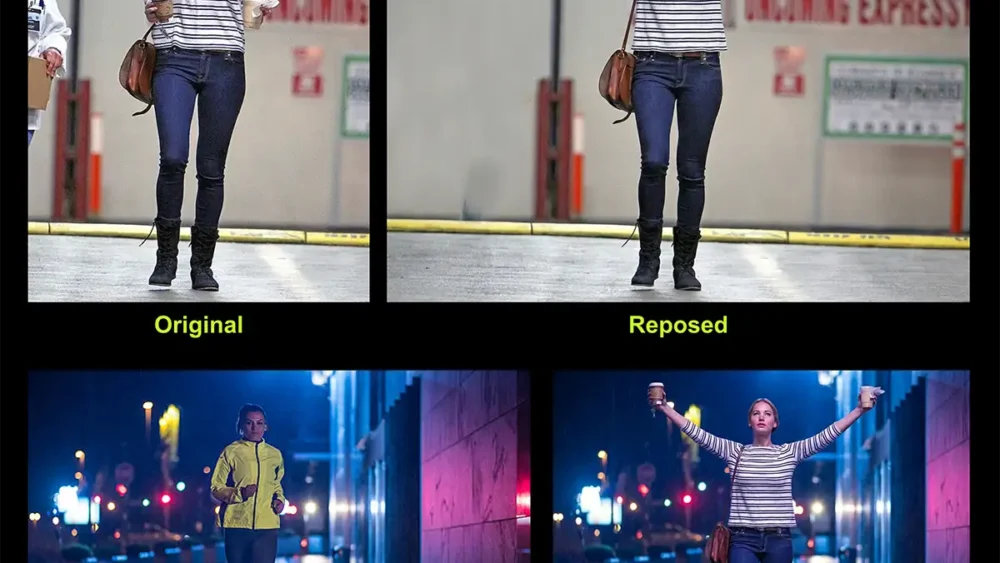
In the past, you had two bad options: spend five hours liquifying and puppet-warping in Photoshop until it looked "okay enough," or schedule a reshoot. Those days are over. We're now at a point where we can decouple the subject from the structure. With the new Gemini 3 Nano Banana Pro model, specifically using the Weavy node interface, you can take the "soul" of one image and snap it to the "skeleton" of another. Here is... read more ›
Dec
02
If you’ve been following the creative landscape lately, you know the noise level is at an all-time high. We are drowning in tools. You’ve got Midjourney for images, Runway for video, obscure GitHub repos for upscaling, and a dozen other browser tabs open just to get one asset out the door. That’s why Weavy (recently acquired by Figma and transitioning to "Figma Weave") has caught my attention. It’s not just another "magic button" generator. It’s... read more ›
Nov
29
Anyone who's produced a commercial fashion shoot knows the logistics are a nightmare. You’re juggling models, location permits, lighting rentals, weather, and expenses that eat your budget before you’ve even snapped the first frame. But now, that equation is different thanks to AI. Until recently, AI wasn't a viable alternative because it couldn't handle the most important thing: Product consistency. You could get a cool image, but the shoes would look wrong, or the logo... read more ›
Nov
26
If you've started using Meta's new AI image generator confusingly called Meta AI, you’ve probably noticed it's fast, free, and surprisingly powerful. But if you’re like me, you immediately clicked the "Aesthetics" panel and saw a blank text box: "Style Reference Seed." And as you may have noticed, there's no official documentation for this. No tooltip. No guide. This is, essentially, an undocumented feature. This is not an official, exhaustive guide. It's just my personal... read more ›
Nov
21
Creative work is about exploration. It requires the freedom to try new ideas, make mistakes, and iterate until you find the perfect expression of your vision. When you work with standard text prompts, that process often feels rigid. You type a paragraph, wait for a result, and then have to rewrite the entire block of text just to change the lighting. It kills the flow. Weavy (aka Figma Weave) offers a different approach that brings... read more ›
Nov
20
The first wave of AI image generation relied on simple text prompts—a linear process with unpredictable results. This was sufficient for experimentation, but professional workflows require repeatability, control, and scalability. The industry is now moving toward node-based "intelligent canvases." These platforms replace the black-box nature of simple prompting with visual programming. Instead of hoping for a lucky result, you build a visible pipeline where every step—from the initial model to the final color grade—is editable.... read more ›