Dec
09
You’re not here to play with toys. You’re here because the industry has shifted—again—and you have work to ship. We’re past the "is AI art real art?" debate. That conversation is over for professionals. The new conversation is about efficiency, control, and consistency. It’s about which tool gets the client to sign off on the mood board in ten minutes instead of ten hours. Right now, two leaders are dominating the workspace: OpenAI’s ChatGPT Image...
read more ›
Dec
09
Here is the truth about the current state of AI in the creative industry: it is messy. You have one tab open for ChatGPT to write copy. You have Discord open to generate images in Midjourney. You’re dragging files into Runway or Kling to make videos. Then you’re dumping everything into Photoshop or Premiere to actually make it look like professional work. It’s fragmented. It’s chaotic. And worst of all, it breaks your flow state....
read more ›
Dec
09
You have too many tabs open. If you’re a working creative today, you know the drill. You have Midjourney in Discord for generation, Magnific open for upscaling, Photoshop for compositing, and maybe Runway or Kling for video. Your files are scattered across three different hard drives and a "Downloads" folder that looks like a digital landfill. We are entering a new phase of AI adoption. The "slot machine" phase—where you type a prompt and hope...
read more ›
Dec
09
You’ve seen the noise. The flood of AI-generated images that look impressive at first glance but fall apart when you need to actually use them in a production pipeline. The random artifacts, the lack of consistency, the inability to just move that one element three pixels to the left. For a creative professional—whether a photographer, art director, game developer, or graphic designer—randomness is not a strategy. It is not enough to type a prompt and...
read more ›
Dec
09
You are tired of the "prompt and pray" method of AI generation. You type a paragraph, hit generate, wait thirty seconds, and get something that looks nothing like your vision. You tweak one word, wait another thirty seconds, and it’s worse. This creates friction. It kills flow. Professional creativity relies on iteration speed—the ability to see a mistake and correct it instantly. Krea AI changes this dynamic. It is currently the most robust tool for...
read more ›
Dec
09
The creative industry is shifting under your feet. You are seeing it in your feeds, hearing about it in pitch meetings, and feeling the pressure to adapt. Generative AI isn't coming; it is already here. For a long time, the conversation was dominated by standalone tools like Midjourney or Stable Diffusion. Those tools are powerful, but they sit outside your primary workflow. They require you to leave your environment, generate assets, and then try to...
read more ›
Dec
09
The creative industry is going through a massive shift. You can ignore it, or you can adapt and use it to elevate your work. Stable Diffusion is at the center of this shift, standing out as a powerful free Midjourney alternative. It isn’t a magic button that replaces your job; it is a high-leverage tool that, when masterfully controlled, allows you to iterate faster, explore concepts deeper, and execute visuals that were previously cost-prohibitive. The...
read more ›
Dec
09
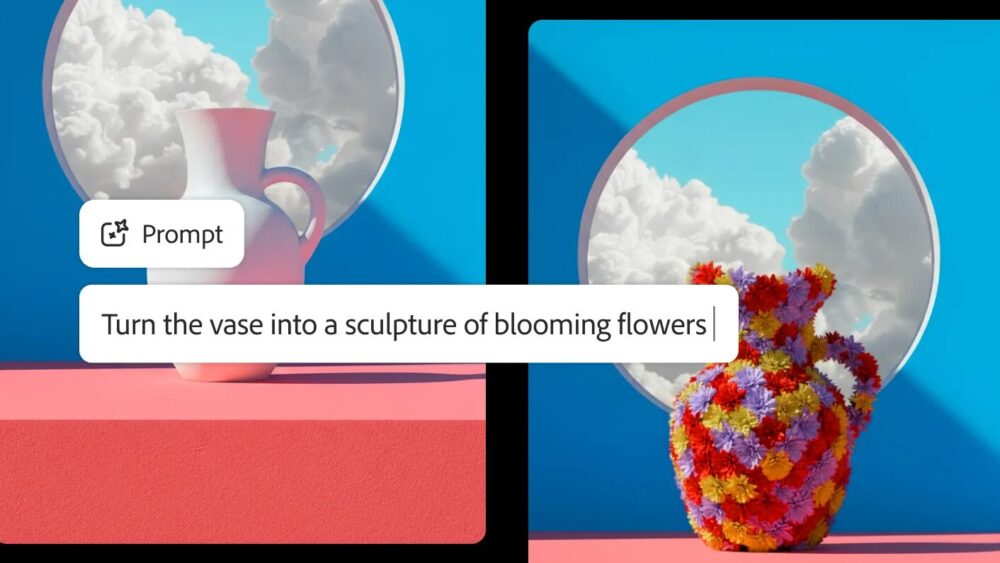
You are a creative professional. Your time is your most valuable asset. The tools you use determine the ceiling of your execution. Adobe’s standard Generative Fill changed the industry, but for high-end production work, it often hits a wall. The resolution is too low, the text capabilities are non-existent, and the "hallucinations" (errors) are frequent. Enter "Nano Banana." While the name sounds ridiculous—a viral nickname that stuck—the technology behind it is serious. This is Google’s...
read more ›
Dec
09
"Nano Banana" sounds ridiculous. It sounds like a meme, a toy, or something you’d find in a children’s cartoon. If you are a serious creative professional—a photographer, an art director, a high-end retoucher... your instinct might be to scroll past it. Don't. It's an incredible tool that almost any creative pro can and should be using, part of the (also incredible) Gemini 3.0 release. You may have heard people raving about it, and yes... it...
read more ›
Dec
09
The conversation about artificial intelligence in the creative industry often devolves into fear or hype. Neither is useful for your career. If you are a professional photographer, designer, or art director, your focus must be on utility and execution. You need to know who is setting the standard, how they are doing it, and what tools will keep you relevant. Observing the best AI artists is not about passive appreciation. It is about deconstructing their...
read more ›
« Previous Page — Next Page »