Chase Jarvis Chase Jarvis
  • Photos
  • Projects
  • About
  • Blog
  • Book
Chase Jarvis Chase Jarvis
  • Photos
  • Projects
  • About
  • Blog
  • Book
Feb 04

How to Re-Light an Image with Nano Banana Pro

Need to change the lighting in an image after you’ve shot it? Nano Banana Pro is surprisingly good at it. We're talking about results that are on par with a high-end retoucher, but accessible on your devices 24/7. The best part? If you're already using Nano Banana, you don’t need another subscription. You just need to know how to talk to it. But here’s the secret: getting the best results isn't about some fancy "secret... read more ›
Feb 03

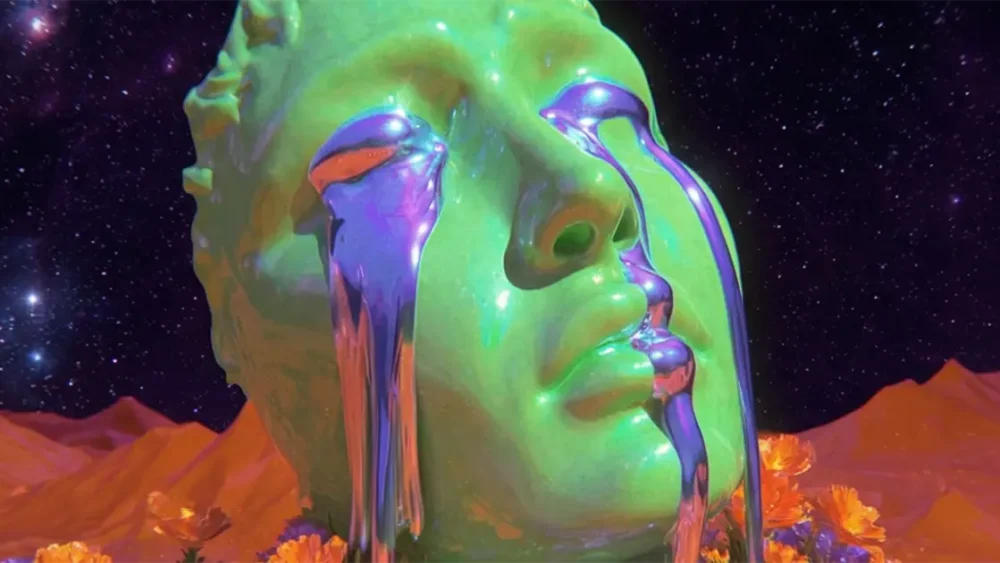
Higgsfield Vibe Motion Is Here: My Honest Review for Creative Pros

Higgsfield just dropped this new feature that promises to turn your text prompts into motion graphics. It’s built in partnership with Anthropic (the folks behind Claude), and it seems to be leveraging the power of Remotion (although I'm not 100% sure about that), which has already generated a lot of buzz in the dev community. The promise? "Real-time" motion design control. Prompt, and you get polished motion graphics back. The reality? Well, I took it... read more ›
Jan 31

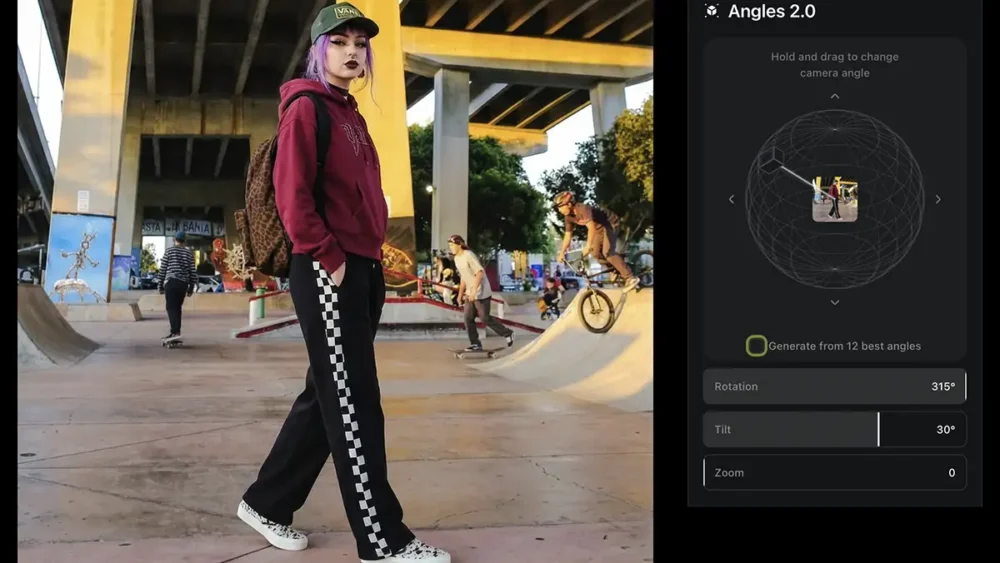
Higgsfield Angles 2.0 is here: My 100% Honest Review

Higgsfield AI just dropped a new app called Angles 2.0, which as you'd guess from the name allows you to create new angles from an existing image. Maybe you wish you’d stepped two feet to the left. Maybe you need a high-angle shot for a vertical social crop, but you only generated a wide eye-level frame... Angles 2.0 aims to solve that problem. I took it for a spin- here’s the breakdown of how it... read more ›
Jan 18

How to Upscale An Image in Nano Banana Pro (4K, no watermark)

Nano Banana Pro (the engine behind Google’s Gemini 3 Pro Image) is rarely discussed as a dedicated upscaler, but it’s actually a powerhouse that delivers incredible results with zero friction. While most tools require fiddling with complex sliders, this one is radically simple: just prompt "Upscale to 4K" and the model understands exactly what to do. However, using the native web or mobile apps often adds a professional dealbreaker: a visible watermark or SynthID embedding.... read more ›
Jan 18

How to Extend an Image with Nano Banana Pro (outpainting)

If you’ve ever had a perfect vertical shot that needs to be a horizontal hero image, you know the pain of manually painting in edges. Today, you can skip the grunt work and use generative "outpainting" tools like Nano Banana Pro. You can use the Gemini web or mobile app and simply prompt "Extend the image to fill 16:9," which usually yields great results. However, the native app applies a watermark, which is a dealbreaker... read more ›
Dec 09

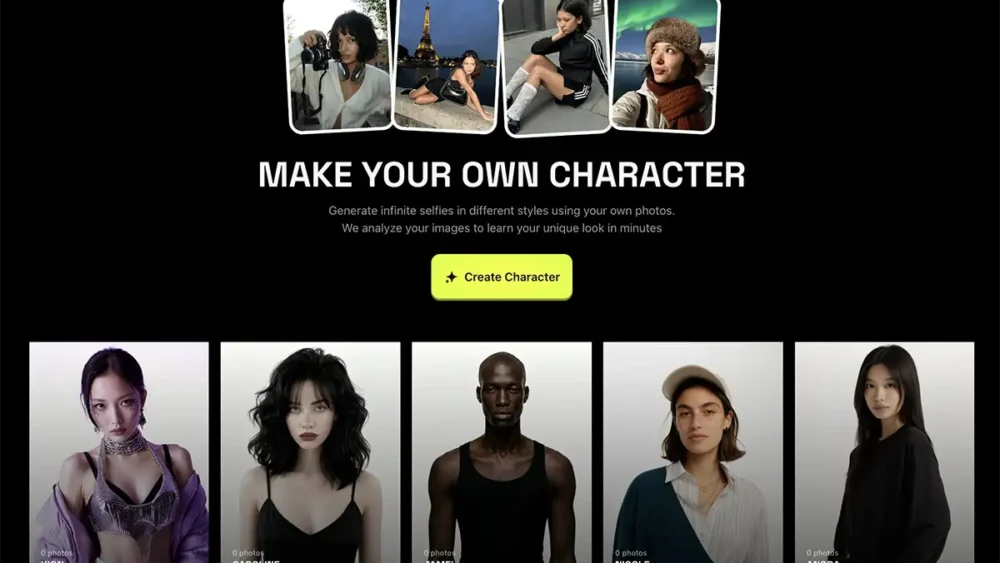
How To Use Higgsfield Soul For Creative Pros

If you’ve been following the explosion of AI image generators lately, you know the landscape is shifting under our feet every single day. For creative professionals—photographers, designers, art directors—the question isn't "will AI replace us?" It's "is this the end of creativity or just the beginning?" and, more importantly, "which of these tools can actually help us execute our vision faster?" Today, I want to talk about Higgsfield Soul. I’ve been experimenting with it, and... read more ›
Dec 08

How to Turn A Photo Into Video with Veo 3.1

If you’ve been following the creative landscape lately, you know the speed of innovation is crazy. For years, we talked about the power of the still image. And now, the ability to bring those images to life isn’t just a "nice to have," it’s becoming a requirement for modern storytelling. There's a few ways to do this but today, I want to zero in on how to do it with Google's Veo 3.1 video model... read more ›
Dec 07

Nano Banana with No Watermark? Here’s how to remove it.

The internet is full of "hacks" on how to remove the Nano Banana watermark using clone stamps or third-party erasers. Don't do that. It degrades the image quality and wastes your time. If you really need to do it manually, Photoshop's healing brush tool is usually the easiest way. But the professional workaround is simple: Use the API. When you access the Nano Banana model through an API (Application Programming Interface), you generally bypass the... read more ›
Nov 20

The Best AI Video Generators for Creative Professionals

The world of AI video generation is no longer a sideshow of weird, morphing clips and unstable physics. The game has changed. We've moved past the initial novelty phase and into a full-scale industrialization of generative video. The conversation is no longer about the simple act of generating pixels, but about how those pixels integrate into real, professional workflows. For creative professionals, this isn't a distant trend to watch anymore; it's a new set of... read more ›
Nov 20

The Best AI Image Generators: A Guide For Creative Pros

We are living through the single biggest shift in the creative workflow since we moved from analog darkrooms to digital sensors. But here is the reality check for everyone reading this in late 2025: The novelty phase is over. No more generating weird, six-fingered hands for a laugh on Twitter. As creative professionals - photographers, art directors, designers, and agency owners - we don't need toys. We need tools that ship work. So whether you... read more ›
  • 1
  • 2

Next Page »

BUY NEVER PLAY IT SAFE NOW!

Get weekly, curated access to the best of everything I do.

Popular Posts

style xfer thumbHow to Clone Any Image Style With Nano Banana Pro & Weavy (style transfer)
anglesHow To Create New Angles From Any Photo: Nano Banana Pro vs. Qwen Image Edit
weavy floraWeavy vs Flora: Which is better for creative pros?
midjourney base imageDoes JSON Prompting Actually Work? Tested with Nano Banana
grok apeHow to Create Video from an Image with Grok AI Video
Asset 6weavy comfyWeavy vs ComfyUI: Which Is Better for Creative Pros?
vibe motion thumbHiggsfield Vibe Motion Is Here: My Honest Review for Creative Pros
Asset 7weavy freepikWeavy vs Freepik Spaces: A Guide to Node-Based AI for Creative Pros
nano banana bananaNano Banana Prompts: The Professional’s Guide to AI Image Mastery
nano banana edit thumbHow To Edit Images In Nano Banana Pro (inpainting)

© 2024 Chase Jarvis. All rights reserved.