AI image generation has moved beyond the novelty phase. It’s no longer about creating weird, psychedelic images; it’s a serious tool being integrated into professional creative workflows. For photographers, designers, and artists, this technology presents a new frontier of possibility. But with new tools come new choices, and the two biggest names in the game right now are Stable Diffusion and Midjourney.
This isn’t a debate about which one is “better.” That’s the wrong way to look at it. This is about which tool is right for the specific job you need to do. One is a highly curated, user-friendly service that produces beautiful results with minimal effort. The other is a raw, open-source engine that offers near-infinite control if you’re willing to get your hands dirty. Understanding the difference is critical to leveraging this technology effectively and not wasting your time.
The Basics: What Are They?
Before diving into workflows and use cases, you need to understand the fundamental difference in their approach. They both generate images from text, but how they do it and what they allow you to do are worlds apart.
Midjourney
Midjourney is a self-contained, paid service accessed primarily through the chat app Discord. You type a text prompt, and the Midjourney bot delivers four image options. From there, you can upscale your choice or create variations. The entire process is managed on their servers, meaning you don’t need a powerful computer to use it.
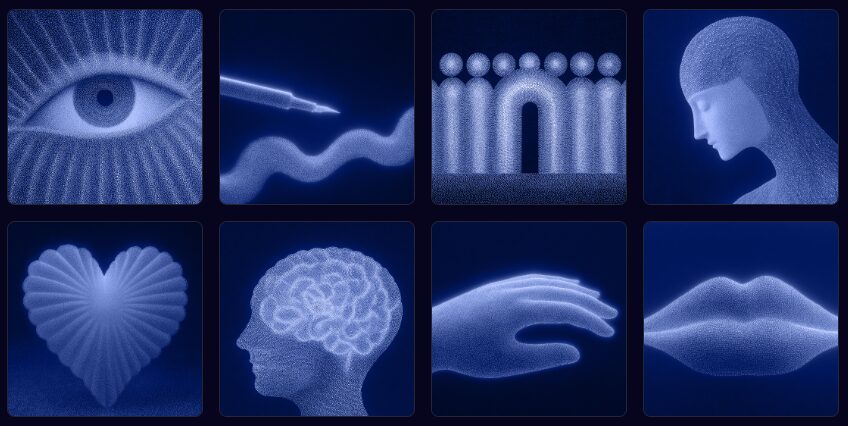
Its defining characteristic is its highly “opinionated” aesthetic. Midjourney is fine-tuned to create beautiful, artistic, and often dramatic images right out of the box. It excels at interpreting vague prompts to produce something visually stunning. It’s less of a raw tool and more of a creative partner with its own distinct style.
You can learn more at the official Midjourney website.
Stable Diffusion
Stable Diffusion is not a single product; it’s an open-source model. Think of it as an engine. You need to put that engine into a vehicle to drive it. These vehicles are user interfaces (UIs) like Automatic1111, ComfyUI, and InvokeAI, which can be run on your own powerful computer or through cloud services.
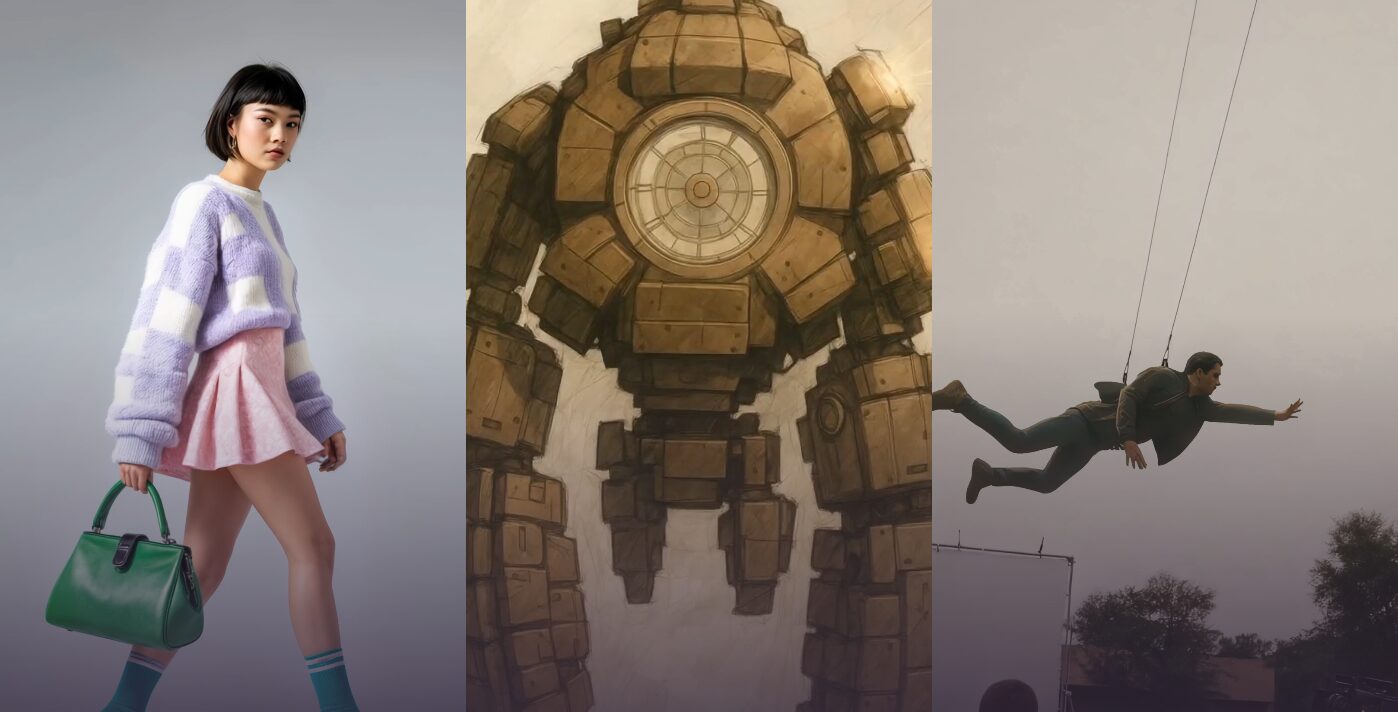
Because it’s open-source, it is endlessly customizable. Users can train their own models on specific styles, subjects, or even their own artwork. They can create fine-tuning models called LoRAs (Low-Rank Adaptations) to consistently replicate a character, a product, or an artistic medium. Its power lies not in its out-of-the-box results, but in its limitless potential for control and integration into a larger creative pipeline.
You can find the core model at the Stability AI website.
How Creative Professionals Can Use Them
Here’s where the rubber meets the road. It’s not about the tech itself, but what you can do with it. Let’s break down the practical applications within a professional context.
For Ideation and Concept Art: Midjourney’s Speed
When you’re in the early stages of a project—gathering inspiration, creating mood boards, or exploring initial concepts—speed is everything. You need to generate a high volume of quality ideas without getting bogged down in technical details. This is Midjourney’s sweet spot.
A graphic designer can test logo concepts, a photographer can storyboard a complex shoot, or an art director can generate dozens of environmental concepts in minutes. The goal isn’t to create a final product, but to quickly visualize an abstract idea.
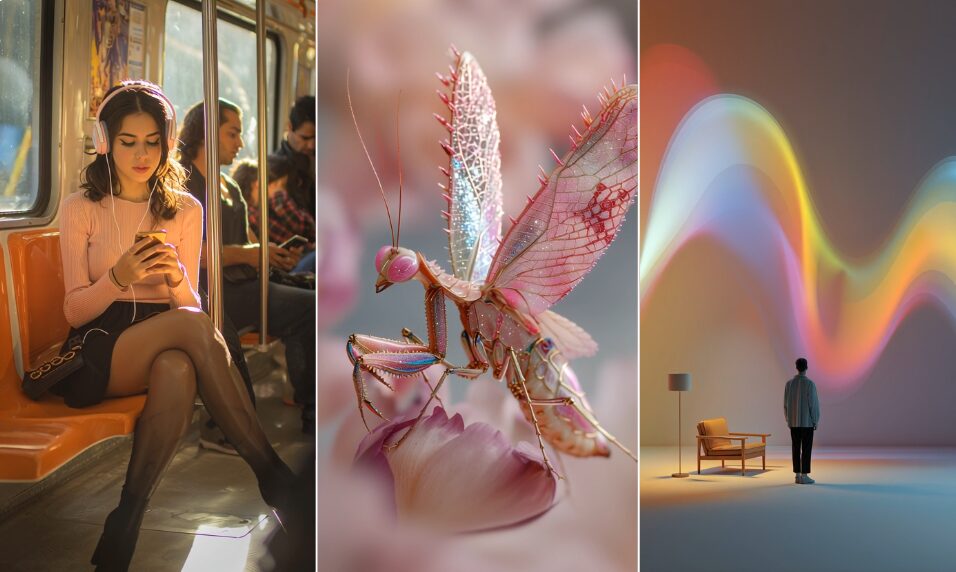
Actionable Tips for Midjourney:
- Master Aspect Ratios: Use the
--arparameter to define your canvas.--ar 16:9for cinematic shots,--ar 2:3for portrait-style mockups. - Use Image Prompts: If you have a reference image that captures the color palette or mood you’re after, upload it and include the image URL at the start of your prompt. Midjourney will use it as a strong source of inspiration.
- Control the “Artistic” Level: Use the
--stylizeparameter (or-s). A lower value (e.g.,--s 50) sticks closer to your prompt, while a higher value (e.g.,--s 750) gives Midjourney more creative freedom. For more photorealistic or literal interpretations, especially with the latest models, use the--style rawparameter. - Character and Style Reference: The
--crefand--srefparameters are game-changers for consistency. Use--crefwith a URL to an image of a character to maintain their features across different generations. Use--srefwith an image URL to borrow its aesthetic and apply it to your new creation.
For Fine-Tuned Control and Integration: Stable Diffusion’s Power
When you move from ideation to production, you need control. The final asset needs to be precise, editable, and fit seamlessly into your existing project. This is where Stable Diffusion’s open and modular nature becomes essential. You’re not just creating an image; you’re directing the creation pixel by pixel.
This is for the photographer who needs to realistically add a product to a lifestyle shot, the VFX artist who needs to extend a background plate, or the illustrator who wants to train a model on their own ink-wash style to generate new assets.
Actionable Details for Stable Diffusion:
The User Interface: Automatic1111 vs. ComfyUI
Your first choice with Stable Diffusion is your UI. Automatic1111 is the most popular, with a comprehensive interface that puts every option in front of you. It’s great for experimentation. ComfyUI is a node-based system that looks like a visual programming language. It has a steeper learning curve but offers incredible power for creating complex, repeatable, and efficient workflows. For production work, many professionals are migrating to ComfyUI for its precision.
Key Tools for Professional Control
- Inpainting & Outpainting: This is one of the biggest differentiators. Inpainting allows you to mask a specific area of an image and regenerate only that area. A client wants to change the color of a dress in a photo? Mask it, type “red silk dress,” and regenerate. Outpainting allows you to extend an image’s canvas, generating new details that match the existing lighting, perspective, and style. You can turn a tight portrait into a wide environmental shot. This is a level of surgical control Midjourney simply doesn’t offer.
- ControlNet: This is a revolutionary tool for directing image composition. It allows you to guide the generation process using an input map.
- Canny: Extracts the outlines from a reference image, allowing you to generate a new image that follows the exact same composition.
- OpenPose: Detects the pose of a person in a photo and uses that skeleton to pose a new character. A fashion photographer can guarantee the exact pose of a model while changing the clothing, background, and lighting.
- Depth: Uses a depth map to inform the 3D structure of the scene, ensuring proper perspective and spatial relationships between objects.
- LoRA (Low-Rank Adaptation): These are small files (typically 20-200MB) that are trained to replicate a specific thing—a character, an object, a clothing style, or an artistic medium. A branding agency can train a LoRA on a client’s new sneaker, then use it to generate hundreds of marketing images of that exact sneaker in various locations, all perfectly on-brand. You can find thousands of pre-made LoRAs on sites like Civitai.
- Photoshop Integration: With plugins, you can run Stable Diffusion directly within Adobe Photoshop. You can select an area of your canvas, write a prompt, and have the generated image appear on a new layer, already integrated into your PSD. This blurs the line between AI generation and digital painting or photo compositing.
Workflow Differences: Walled Garden vs. Open Workshop
The best choice for you comes down to how you work.
The Midjourney Workflow
The process is linear and self-contained: Prompt -> Generate -> Upscale -> Download. It’s clean, simple, and happens entirely within Discord. You don’t need a specialized computer; you just need an internet connection.
The downside is that it’s a walled garden. You have limited ability to intervene mid-process. Getting the exact result you want can sometimes feel like a game of chance, requiring you to reroll your prompt dozens of times. Integration with other software is an afterthought—you take the final image and bring it into Photoshop or Affinity Photo for post-processing.
The Stable Diffusion Workflow
This workflow is modular and non-linear. It’s a component in a larger toolchain. A professional workflow might look like this: Photoshop sketch -> Use sketch as a ControlNet Canny map in ComfyUI -> Generate base image -> Send back to Photoshop for compositing -> Use inpainting to fix small details -> Final color grading in DaVinci Resolve.
This is an open workshop. You have total control, but you are also responsible for every part of the process. It requires a significant investment in learning and hardware. To run it effectively locally, you need a modern NVIDIA GPU (like an RTX 3080 or 4090) with at least 12GB of VRAM. It’s a tool for creators who see AI not as a replacement, but as an extension of their existing toolkit.
The Bottom Line: Which Tool is for You?
Let’s cut to the chase. There is no single best answer, only the best tool for the job at hand.
Choose Midjourney if…
- You need to generate high-quality, artistic images quickly for inspiration, mood boards, or concept art.
- Your primary goal is rapid ideation and exploring creative directions.
- You value speed and a polished, out-of-the-box result over granular control.
- You prefer a simple, managed service and don’t have the hardware or patience for a complex local setup.
Choose Stable Diffusion if…
- You need absolute, surgical control over the final output.
- You need to integrate AI generation into a professional workflow with tools like Photoshop, Blender, or Nuke.
- Your work requires creating consistent assets, styles, or characters using LoRAs or custom-trained models.
- You are willing to embrace a steep learning curve and have the powerful hardware required to drive a demanding creative tool.
Mastering these tools is the new frontier for creative professionals. It’s not about replacing your skills; it’s about amplifying them with capabilities we could only dream of a few years ago. Choosing the right tool for the job is the first step.