Chase Jarvis Chase Jarvis
  • Photos
  • Projects
  • About
  • Blog
  • Book
Chase Jarvis Chase Jarvis
  • Photos
  • Projects
  • About
  • Blog
  • Book
Feb 04

How to Re-Light an Image with Nano Banana Pro

Need to change the lighting in an image after you’ve shot it? Nano Banana Pro is surprisingly good at it. We're talking about results that are on par with a high-end retoucher, but accessible on your devices 24/7. The best part? If you're already using Nano Banana, you don’t need another subscription. You just need to know how to talk to it. But here’s the secret: getting the best results isn't about some fancy "secret... read more ›
Jan 29

How To Add Film Grain With Nano Banana Pro (3 methods)

We’ve all seen it: that "uncanny valley" look where an AI-generated image is just a little too perfect, and grain can be the antidote for that. If you’re looking for absolute world-class results, I’m still going to point you toward dedicated plugins like Dehancer Film or Real Nice Images. But lately, I’ve been experimenting with Nano Banana Pro. While it lacks the surgical precision of a dedicated film emulator, it’s surprisingly capable for the basics... read more ›
Jan 27

How To Edit Images In Nano Banana Pro (inpainting)

Nano Banana Pro is easily the most powerful image editing (aka inpainting) app I’ve seen to date. It’s a total game-changer for our community because it handles tasks in minutes that used to take hours - or even days - of high-end retouching. The best part? You don’t need to learn a million keyboard shortcuts. You just talk to it like you’ve got a world-class retoucher sitting right next to you. I’m using Weavy for... read more ›
Jan 18

How to Upscale An Image in Nano Banana Pro (4K, no watermark)

Nano Banana Pro (the engine behind Google’s Gemini 3 Pro Image) is rarely discussed as a dedicated upscaler, but it’s actually a powerhouse that delivers incredible results with zero friction. While most tools require fiddling with complex sliders, this one is radically simple: just prompt "Upscale to 4K" and the model understands exactly what to do. However, using the native web or mobile apps often adds a professional dealbreaker: a visible watermark or SynthID embedding.... read more ›
Jan 18

How to Extend an Image with Nano Banana Pro (outpainting)

If you’ve ever had a perfect vertical shot that needs to be a horizontal hero image, you know the pain of manually painting in edges. Today, you can skip the grunt work and use generative "outpainting" tools like Nano Banana Pro. You can use the Gemini web or mobile app and simply prompt "Extend the image to fill 16:9," which usually yields great results. However, the native app applies a watermark, which is a dealbreaker... read more ›
Jan 17

How to Build Consistent Characters From A Sketch with Nano Banana & Weavy

You're about to see how to take a messy napkin sketch and turn it into a consistent, studio-quality character using a workflow that actually respects your creative intent, using Nano Banana (Google's amazing image model) and Weavy (node-based canvas app). And importantly, the character will stay consistent across scenes, poses and even styles (want to render it as a B&W cartoon? Not a problem). I'll show you the step-by-step breakdown of how we built the... read more ›
Jan 10

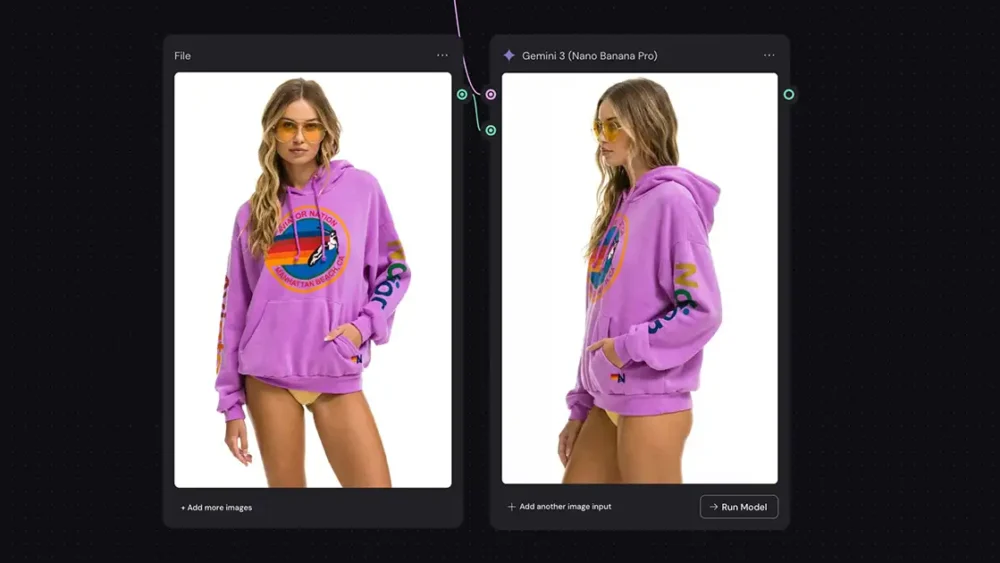
How To Create New Angles From Any Photo: Nano Banana Pro vs. Qwen Image Edit

We’ve all been there: you wrap a shoot, you get into the edit, and you realize the perfect shot is the one you didn’t take. You need a bird’s eye view, or just a slight rotation to make the composition sing, but the moment is gone. Until recently, that was it. You lived with the shot you had. But we are living in a wild time for creative professionals. The new wave of AI tools... read more ›
Jan 01

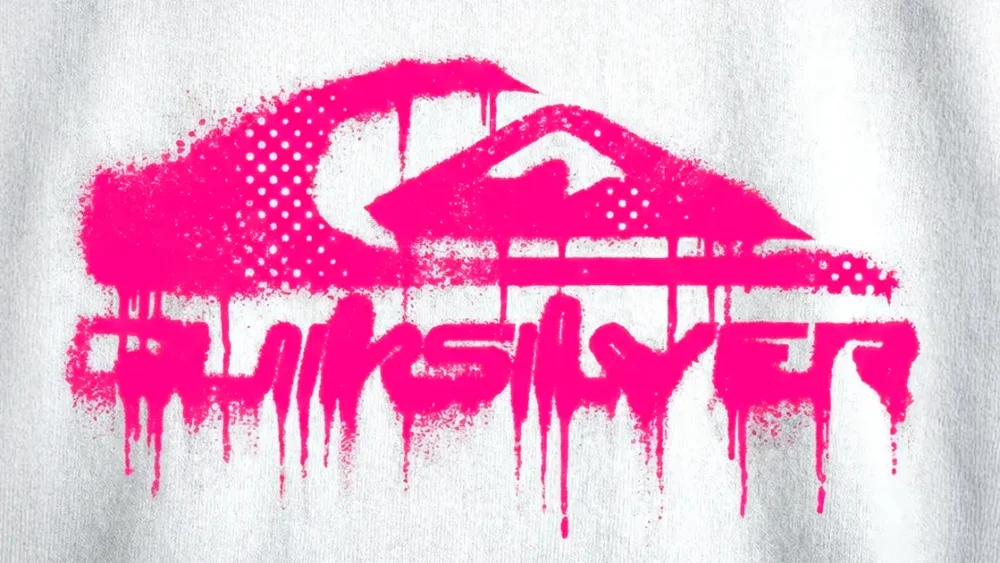
How to Create Halftone Effects with Nano Banana Pro (The Right Way)

Many of us in the creative community, miss the grit of the darkroom, the unpredictability of a letterpress, the happy accidents of a photocopier running out of toner. We want that analog warmth, not digital perfection. The problem? Most "distressed typography / bad photocopy" filters and presets look fake and cheap - especially in AI. So today, we’re going to look at how to create authentic, grungy ink bleed and halftone effects using AI -... read more ›
Dec 28

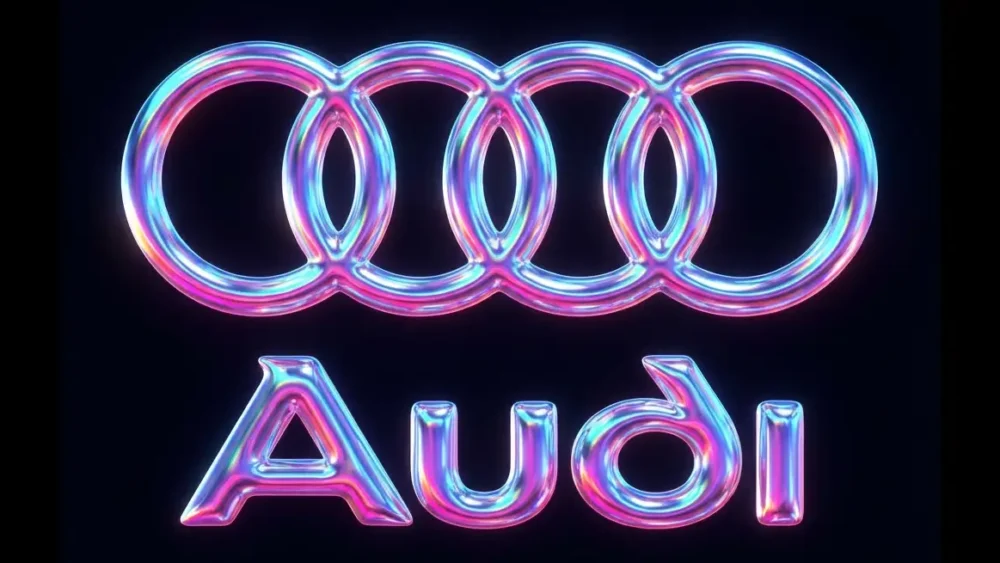
How to add texture to a logo with Nano Banana Pro (style transfer)

Today, I want to zero in on a specific technique that’s been blowing my mind recently: applying complex textures to logos using Nano Banana Pro for style transfer. But more importantly, I want to talk about how we do it. Because as creative pros, we don't just need "magic buttons." We need control. We need replicable workflows. We need to understand the variables. Here's how: The Toolset: Weavy + Nano Banana For this workflow, I’m using... read more ›
Dec 27

How to Create a VHS Effect with Nano Banana and Flux 2 Flex

Replicating analog imperfections in a digital space has always been the holy grail. And let’s be honest: most "VHS effects" out there are bad. You know the ones—they just slap a scanline overlay and some chromatic aberration on a perfectly sharp image. It looks like a filter. It doesn't look real. Today, I’m going to walk you through a workflow that nailed this effect so perfectly it actually surprised me, The goal here isn’t just to... read more ›
  • 1
  • 2
  • 3
  • 4

Next Page »

BUY NEVER PLAY IT SAFE NOW!

Get weekly, curated access to the best of everything I do.

Popular Posts

sora-2-appDoes Sora 2 Live Up To The Hype? Honest review for creative pros…
grok apeHow to Create Video from an Image with Grok AI Video
weavy logoHow Much Does Weavy Cost? And Is It Worth It?
Fluffy-Monsters.max-1080×1080.format-webpHow to Use Nano Banana Pro for Free (Without a Watermark)
Asset 26nano bananaHow to Use Nano Banana in Photoshop: The Professional’s Guide
higgsfield characterHow To Use Higgsfield Soul For Creative Pros
Asset 24freepik logoWhat Is Freepik Spaces? And Is It Good For Creative Pros?
kling starting imageKling 3.0 AI Video Is Here: My 100% Honest Review
vibe motion thumbHiggsfield Vibe Motion Is Here: My Honest Review for Creative Pros
nano upscale 22How to Upscale An Image in Nano Banana Pro (4K, no watermark)

© 2024 Chase Jarvis. All rights reserved.