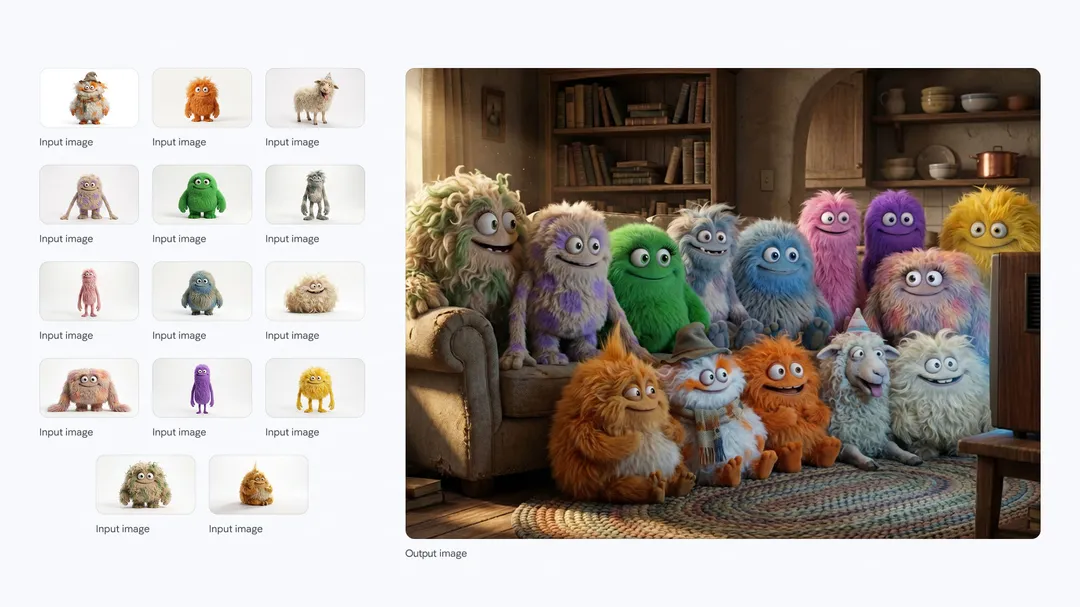
You’ve probably heard about how amazing Google’s Nano Banana Pro image generator is. I’ve talked about it, other people have, and it’s the real deal: it’s legitimately one of the most powerful creative tools I’ve used since Photoshop.
It’s fast, the reasoning capabilities are wild, and the image fidelity is finally hitting that “studio-quality” mark we’ve been waiting for. And best of all, you can use it for free via the official app.
But there’s a catch- and for us creative pros, it’s a dealbreaker.
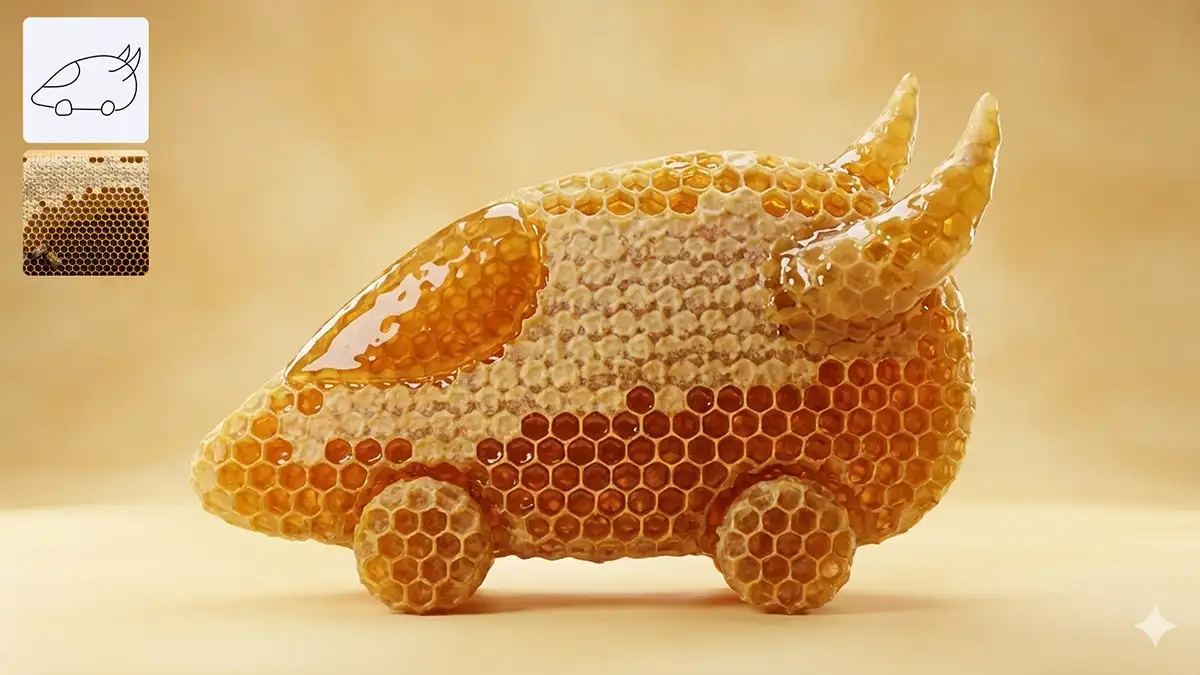
What’s wrong with the native Google apps?
If you go to the official app to use Nano Banana Pro/Gemini 3, you’re going to hit a wall. Sure, you can use it for free, but Google slaps a visible watermark on the images (not to mention the invisible SynthID embedded in the pixels).
For a hobbyist? Fine. For a professional trying to mock up a storyboard, pitch a client, or integrate assets into a final comp? That watermark is a non-starter. It screams “amateur,” and it distracts from your vision.
On top of that, the official free tier is throttled. You get a few generations, and then you’re bumped down to the lower-quality model or hit with a paywall.
But here’s the thing: the ecosystem is big. There are third-party platforms that plug into the Nano Banana Pro API and offer free tiers that are surprisingly generous- and crucially, they’ll let you bypass that visible watermark (which is different from SynthID).
Weavy.ai
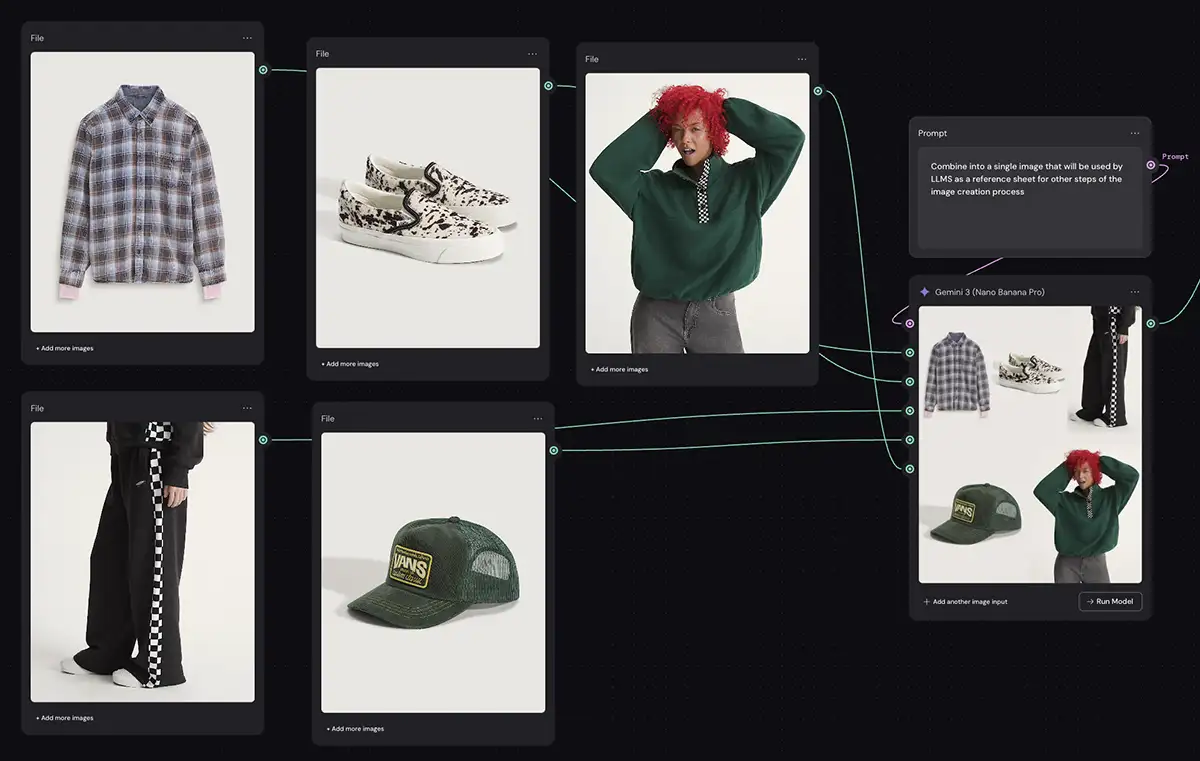
If you’re thinking about workflows rather than just one-off images, you need to look at Weavy.
They aren’t just trying to be a chat bot; they’re building for designers. Their free tier gives you a solid monthly credit allowance that you can use specifically on Nano Banana Pro.
What I love about Weavy is that it feels like a creative studio. You aren’t just prompting into a void; you’re building assets. For pros who need to iterate quickly without a brand logo stamped in the corner, this is a heavy hitter.
Try Weavy
GlobalGPT
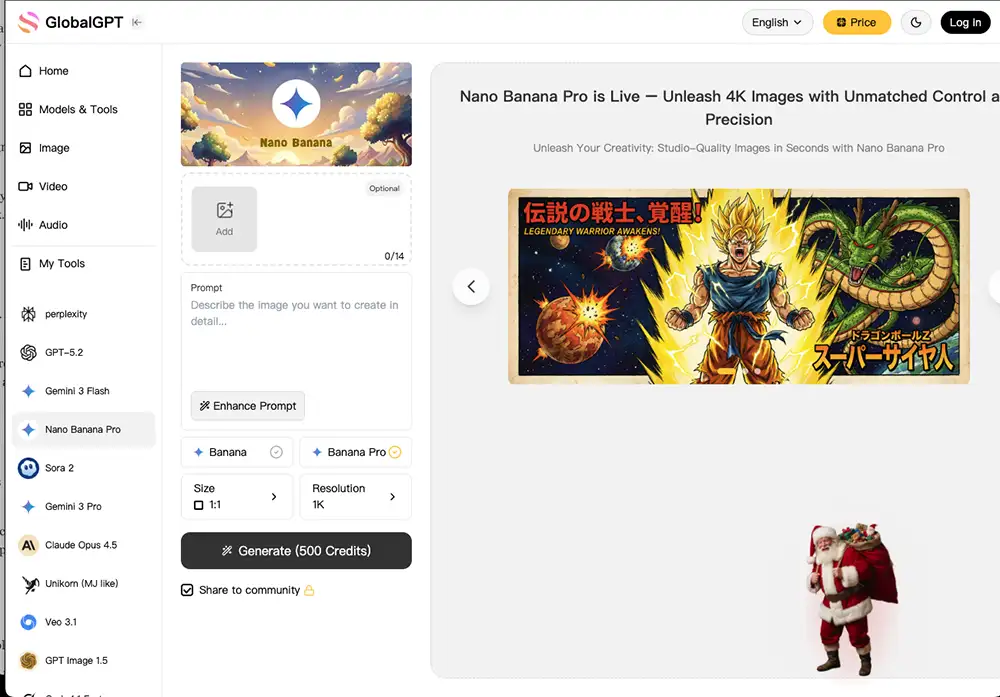
GlobalGPT is focusing on being the “all-in-one” hub. They’ve integrated Nano Banana Pro fully, and their free tier is one of the most accessible ways to get high-resolution output without the friction of the official app.
It’s straightforward and fast. If you just need to get the idea out of your head and onto the screen using the latest model, this is a great place to start. They strip away a lot of the UI clutter and just let the model do the work.
Try GlobalGPT

Felo.ai
Felo is interesting because they’re blending search and generation. Their integration of Nano Banana Pro is available to free users, and they’ve been aggressive about keeping the barriers low.
It’s a fantastic tool for the research phase of a project. You can search for references and generate concepts in the same breath. It’s less of a blank canvas and more of a research partner that happens to have a world-class artist built in.
Try Felo
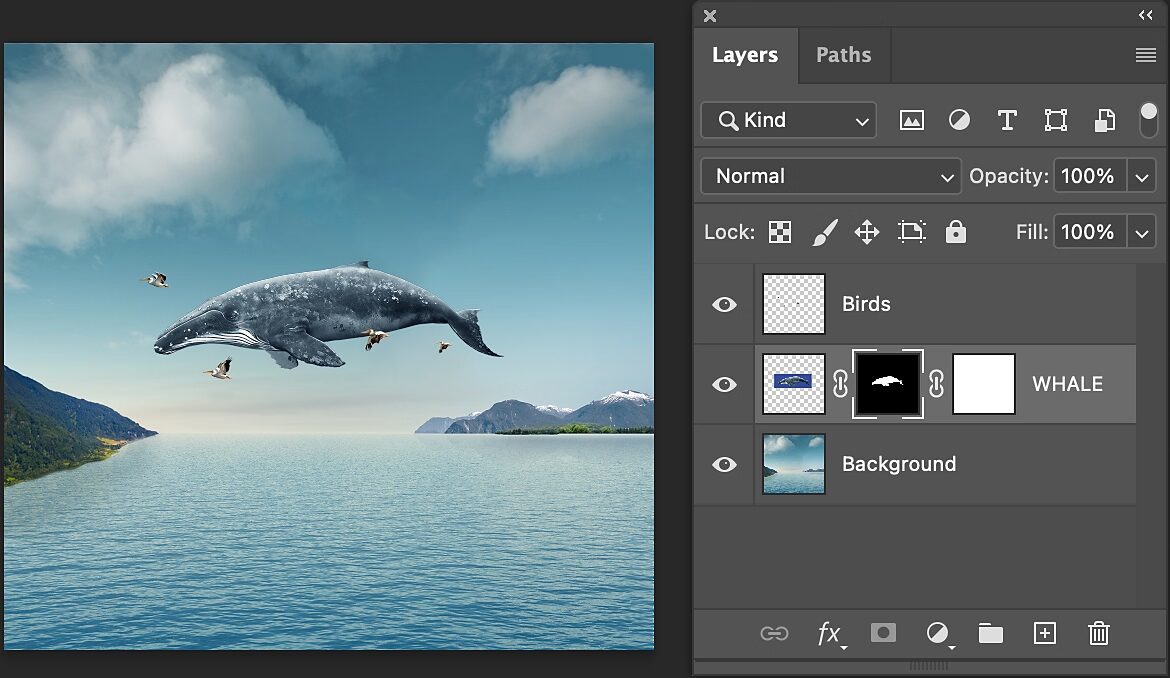
Photoshop
Okay, technically this isn’t “free.” But if you’re reading this, there’s a 99% chance you’re already paying for Adobe Creative Cloud. You’ve likely got the subscription.
And now that Adobe supports third-party models, you can simply choose it in most of the features that support generative AI like the “generative upscale” feature. Personally I don’t love this integration and I think the results are often times better in other apps, but it’s a totally viable option with a lot of benefits for those who are already working on something in Photoshop.
PS – More on Nano Banana Pro:
-
- How to repose a model
- How to clone any image style
- Nano Banana FAQs
- Does JSON prompting work?
- How to master Nano Banana prompting
- Add a halftone effect
- Relight an image
- How to use Midjourney with Nano Banana Pro
- Remove the Nano Banana watermark
- Set up a virtual product shoot with Nano Banana
- How to add texture to a logo with Nano Banana
- Create a VHS effect