Midjourney is incredible: it creates aesthetically polished images that nothing else can really touch. But let’s be real: it’s a temperamental artist. It’s inherently chaotic… it requires you to direct rather than control.
Your job is to have a creative vision and execute against it. If you can’t control the output, you can’t do the job. Clients don’t want happy accidents; they want repeatable systems. They need assets that match a specific brand identity, a pre-existing campaign, or the specific mood of a deck you sent them last week.
I ran a series of tests in Midjourney v7 to show you exactly how to tame this chaos using Image References, Style References, and Moodboards.
The Baseline: A simple prompt
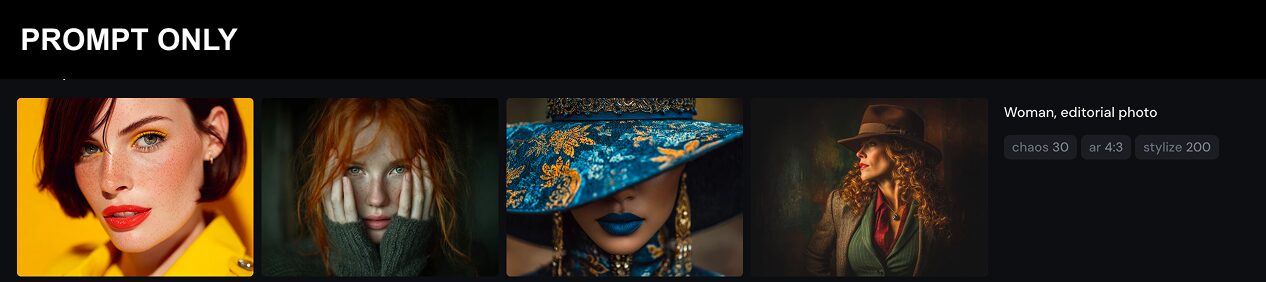
I started with a barebone, open-ended prompt as a baseline: “Woman, editorial photo.” I’m using this as the baseline to let the image/style references do the bulk of the work in terms of aesthetic.
As you can see they’re nice enough images, but a little all over the place: from super bright and high contrast to moody and dark.
So here’s how we’ll give Midjourney more direction:
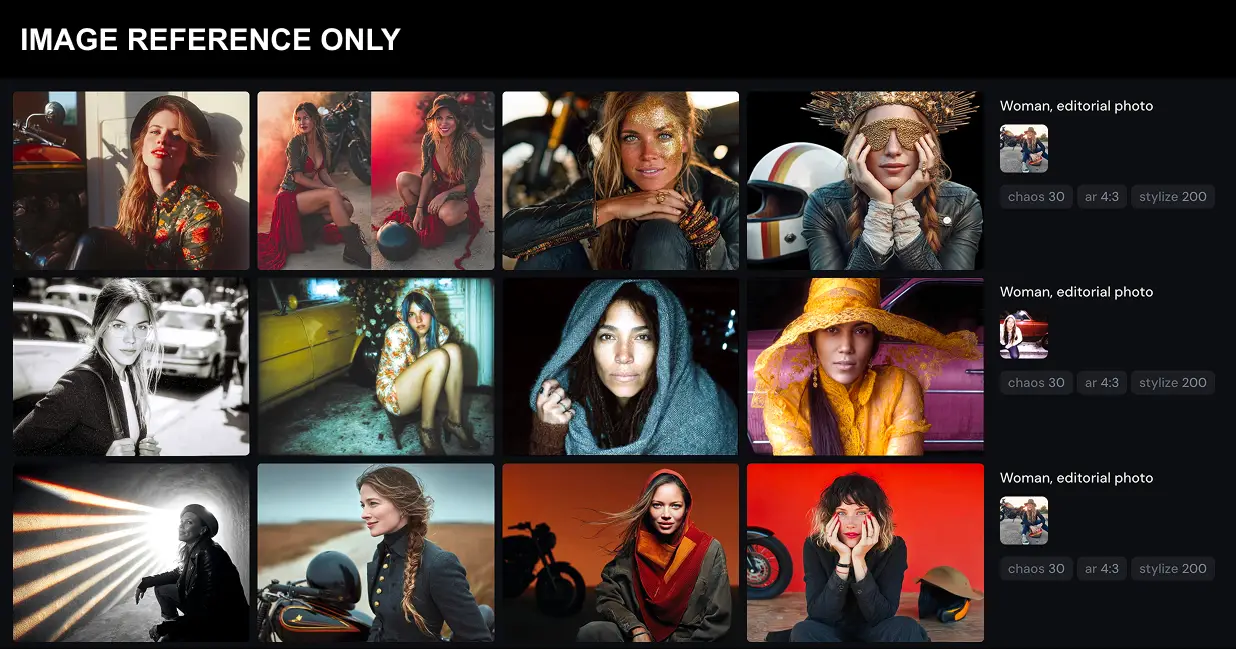
Image References: Controlling the “What”
Think of Image References as your way of anchoring the content of the generation.
If you have a specific subject or composition in mind – say, a woman in a motorcycle helmet – you can try to describe it with words in the prompt. Or, you can just show Midjourney what you want.
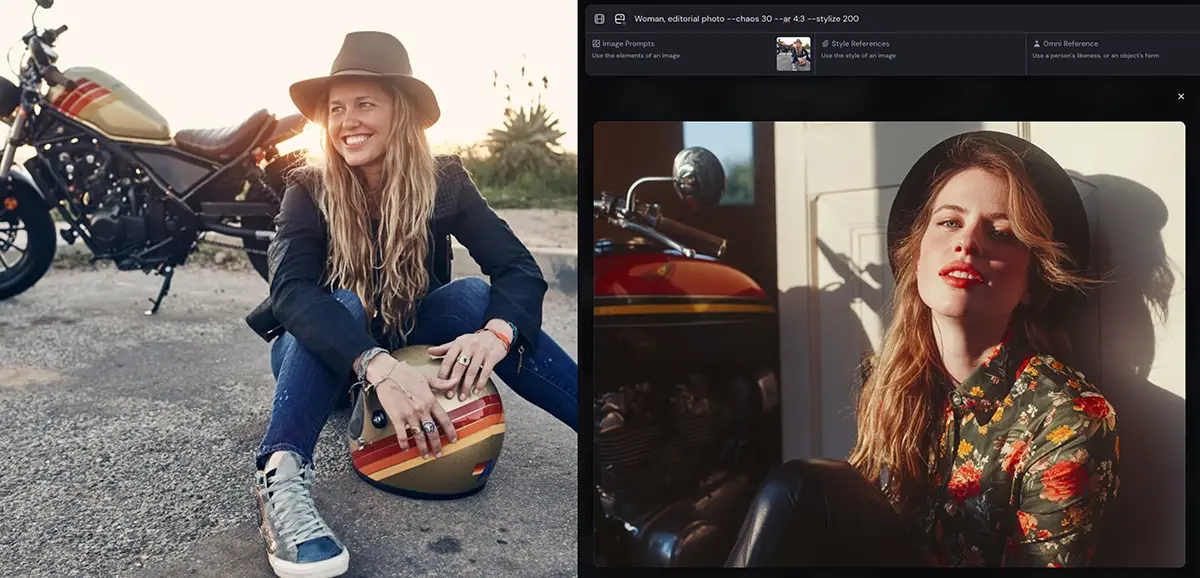
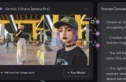
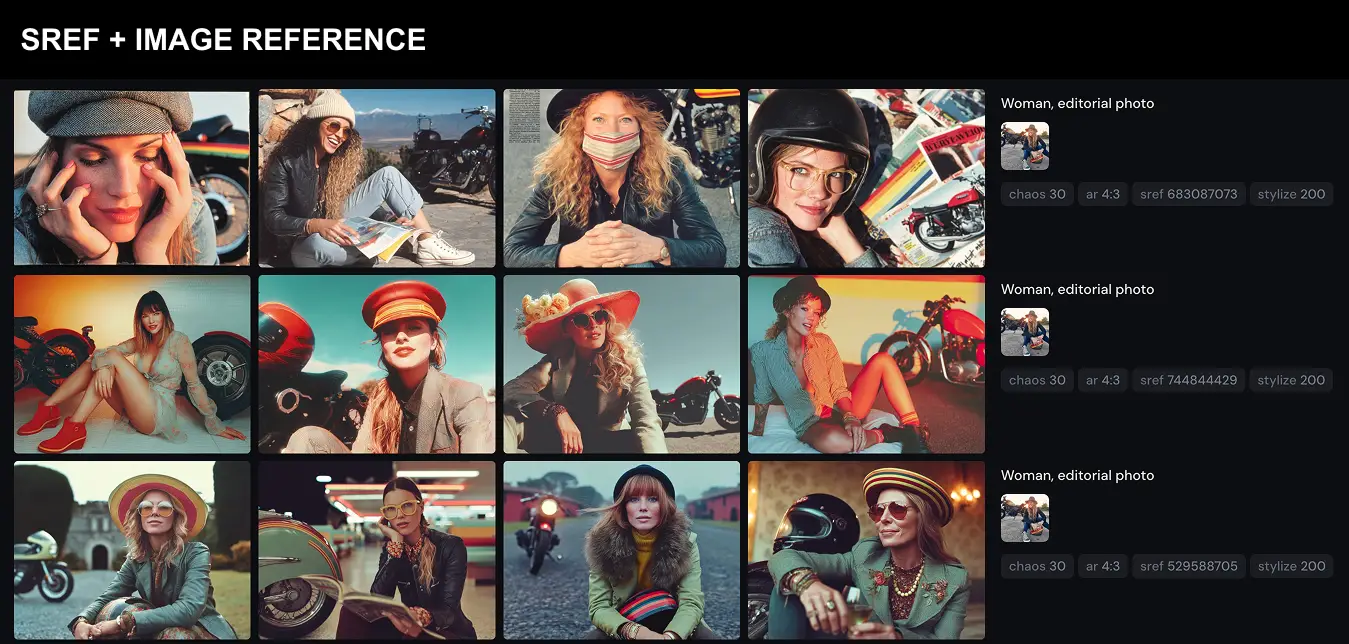
The Test: I took that same generic prompt (“Woman, editorial photo”) but this time I uploaded a reference image of a woman wearing a helmet and goggles.
The Result: Midjourney picked up on the motorcycle, stripes, hat, hair, and a hint of the lighting.
Key Lesson: Image References are content-heavy. They pull the subject matter—the shapes, the composition, and the objects—into your new generation. But be careful: they also bleed style. If you upload a low-fi Polaroid as an image reference, Midjourney will likely degrade the quality of your output to match that “low-fi” look.
How to use them (v7 Web Interface):
-
Click the + (plus) icon next to the prompt bar.
-
Drag your reference image into the “Image Prompt” slot.
-
Adjust Image Weight (
--iw): In v7, you can crank this up to3if you want the AI to adhere strictly to your reference, or lower it to let the prompt take over.
Style References: Controlling the “Vibe”
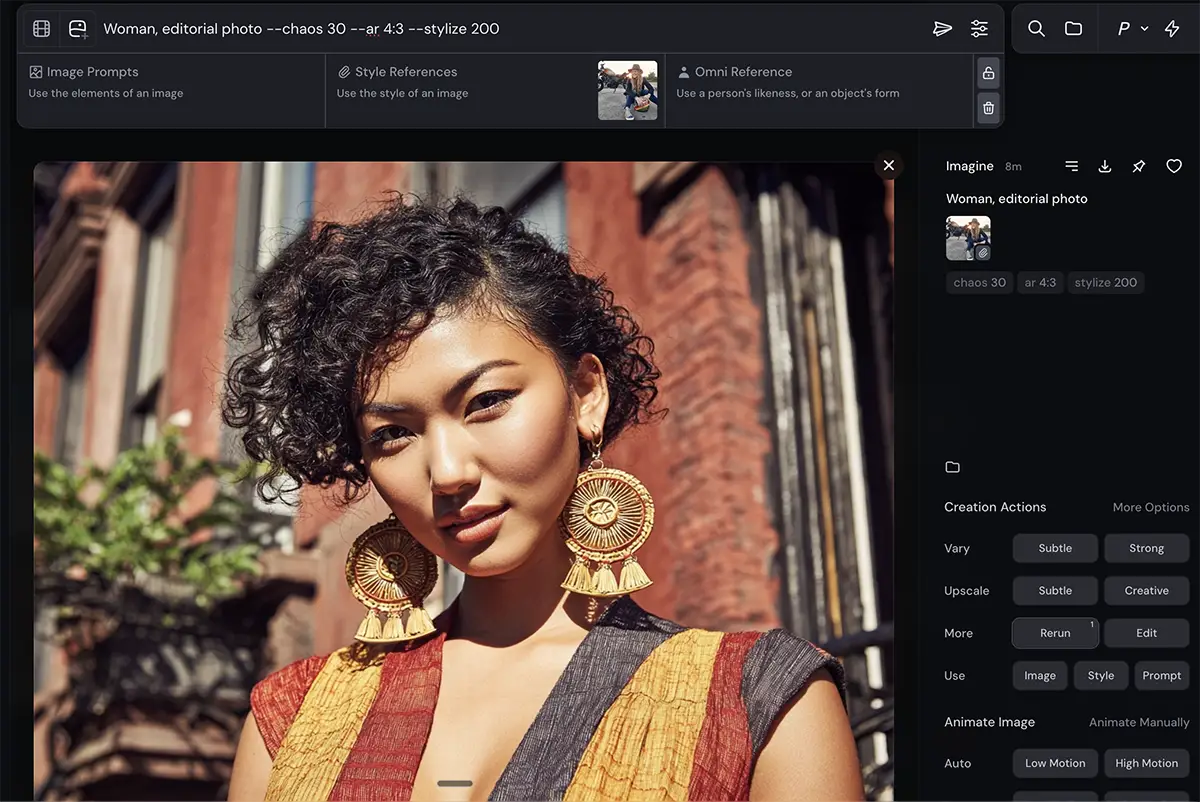
This is where the magic happens. Style References (--sref) allow you to steal the aesthetic of an image without stealing its content. You can apply the look of a 1980s sci-fi movie to a photo of a toaster, and Midjourney understands that you want the lighting, color grading, and texture, not the spaceships.
There are two ways to do this:
The Image Upload Version
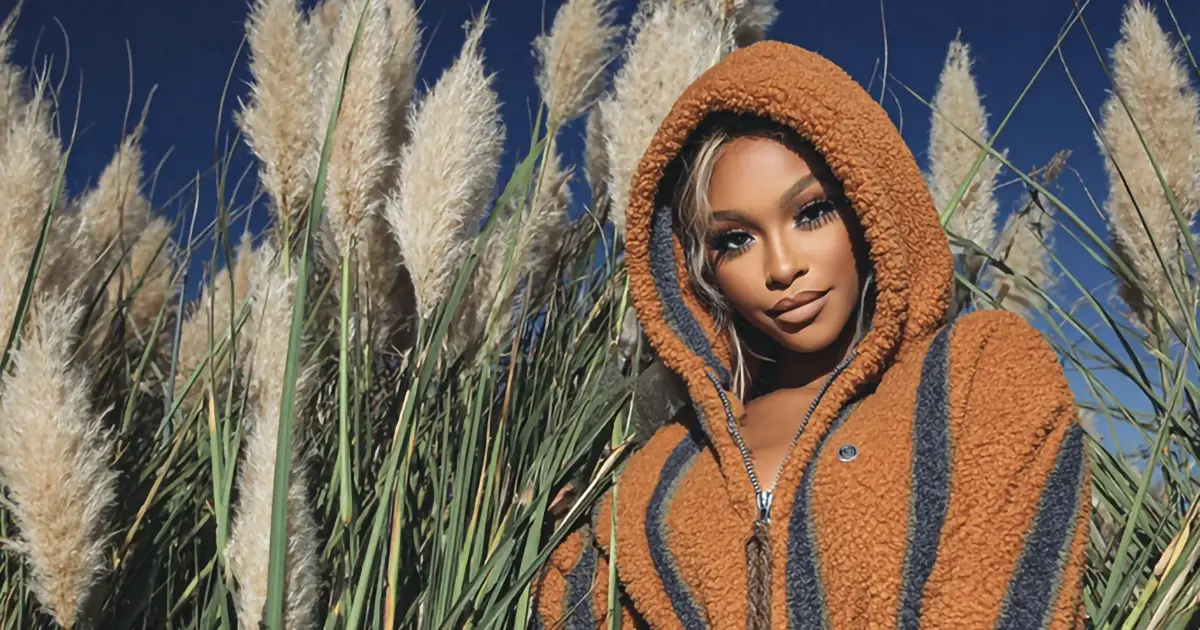
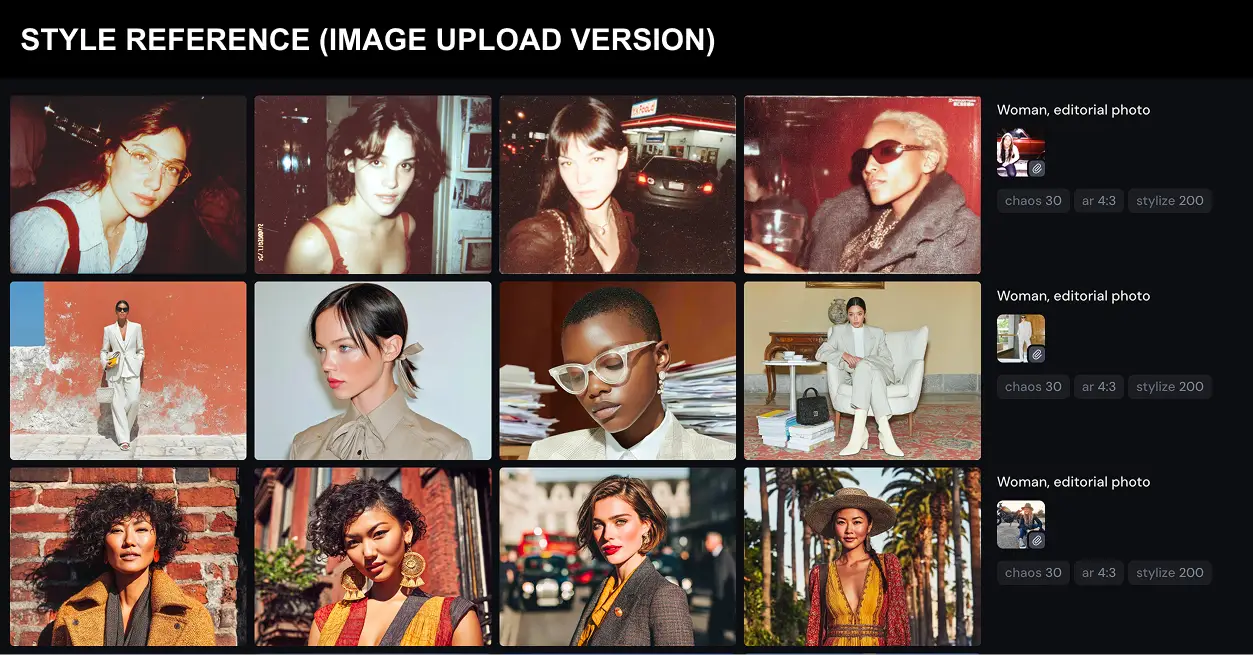
I uploaded a series of warm, candid, high-flash editorial shots into the Style Reference slot.
The Result: The content changed (we got a woman in a patterned top, outdoors), but the vibe perfectly matched the references. The lighting became harsh and direct; the colors shifted to warm oranges and browns. It captured the “soul” of the reference images without copying the pixels.
The Sref Code Version
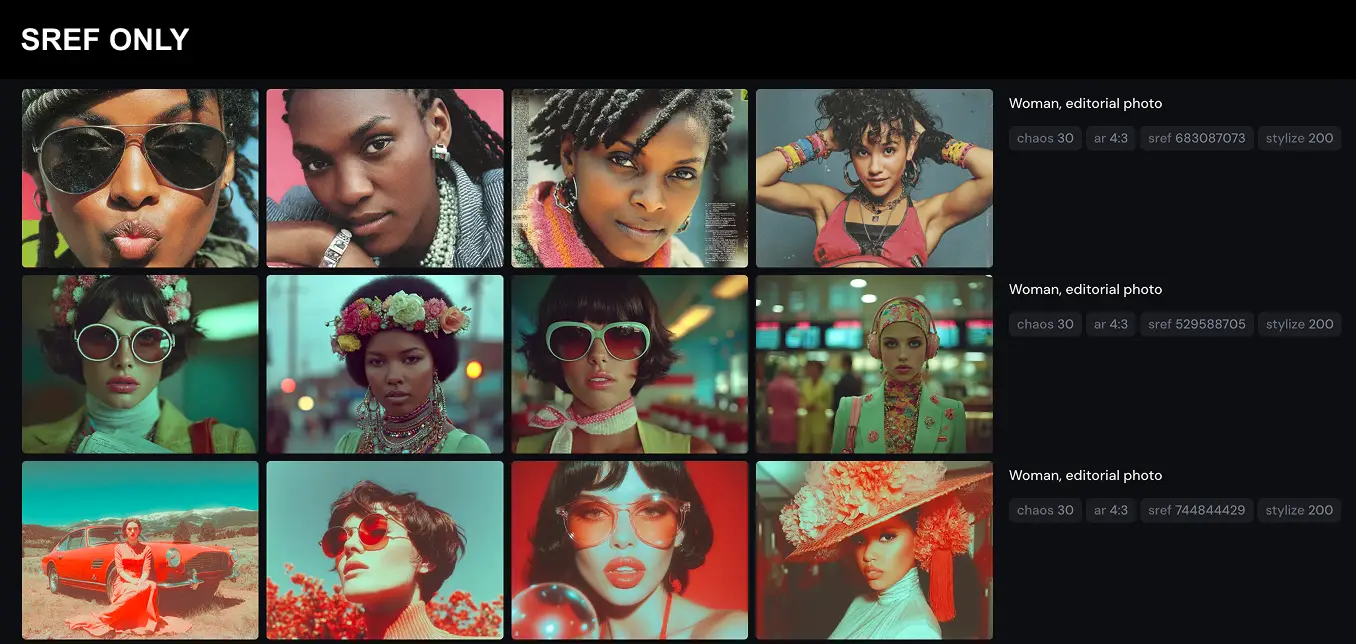
Sref Codes are “visual presets“—random alphanumeric strings (like --sref 529588705) that lock in a specific look.
The Test: I used the three different SREF codes with the same prompt
The Result: Let’s take --sref 529588705.It gave us a distinct, highly stylized, retro-technicolor look. Teal backgrounds, saturated reds, and a very specific vintage softness. Unlike uploading an image (which can be fuzzy), a code delivers the exact same aesthetic rendering every single time. It’s rigid, but reliable.
The Power Combo: Sref + Image Reference
You can also combine all of these in various permutations. What if you want the content from one place (the biker woman) but the style from another (that cool retro code)?
The Test:
-
Image Reference: The woman in the helmet.
-
Style Reference: The same three Srefs as above
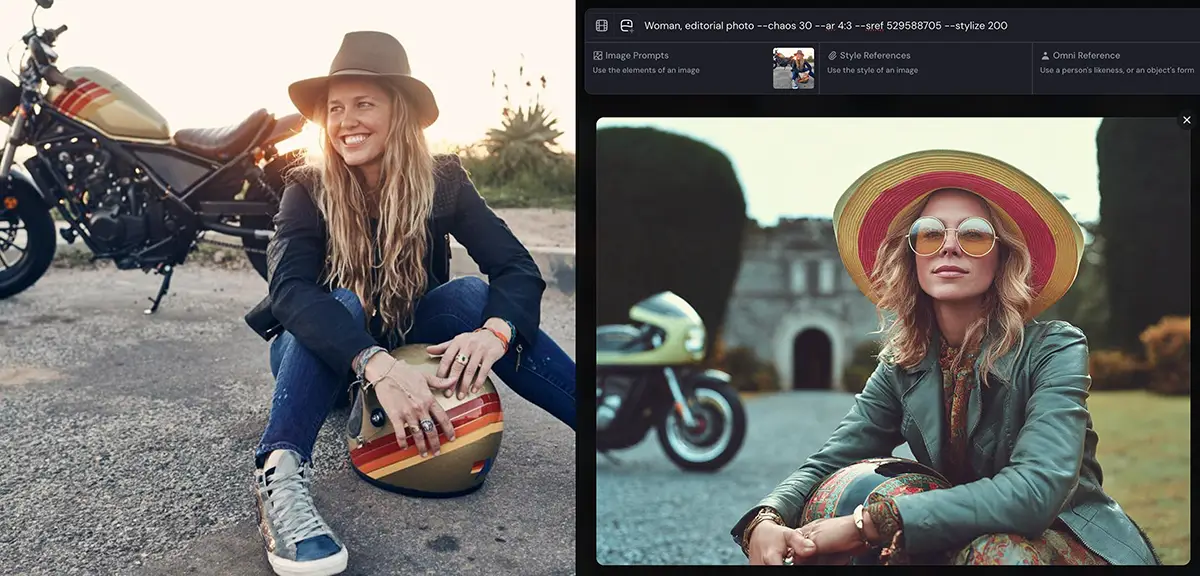
The Result: With the retro code (--sref 529588705), we got the woman in the helmet and goggles (content), but she’s rendered in that specific teal-and-red retro style.
You are taking the “what” from your sketch or product shot and applying the “how” from your style guide. Note that the sref tends to dominate here so be careful and use the –sw (style weight) parameter to moderate it.
Moodboards: My personal favorite
If Sref codes are presets, Moodboards are your custom-built filters.
In Midjourney v7, you can create a moodboard by grouping multiple images together. This allows you to average out the style of 5-10 images to create a nuanced aesthetic that is unique to you or your client. Add them to the prompt with the –p or –profile parameter, eg –profile oiujl5t .
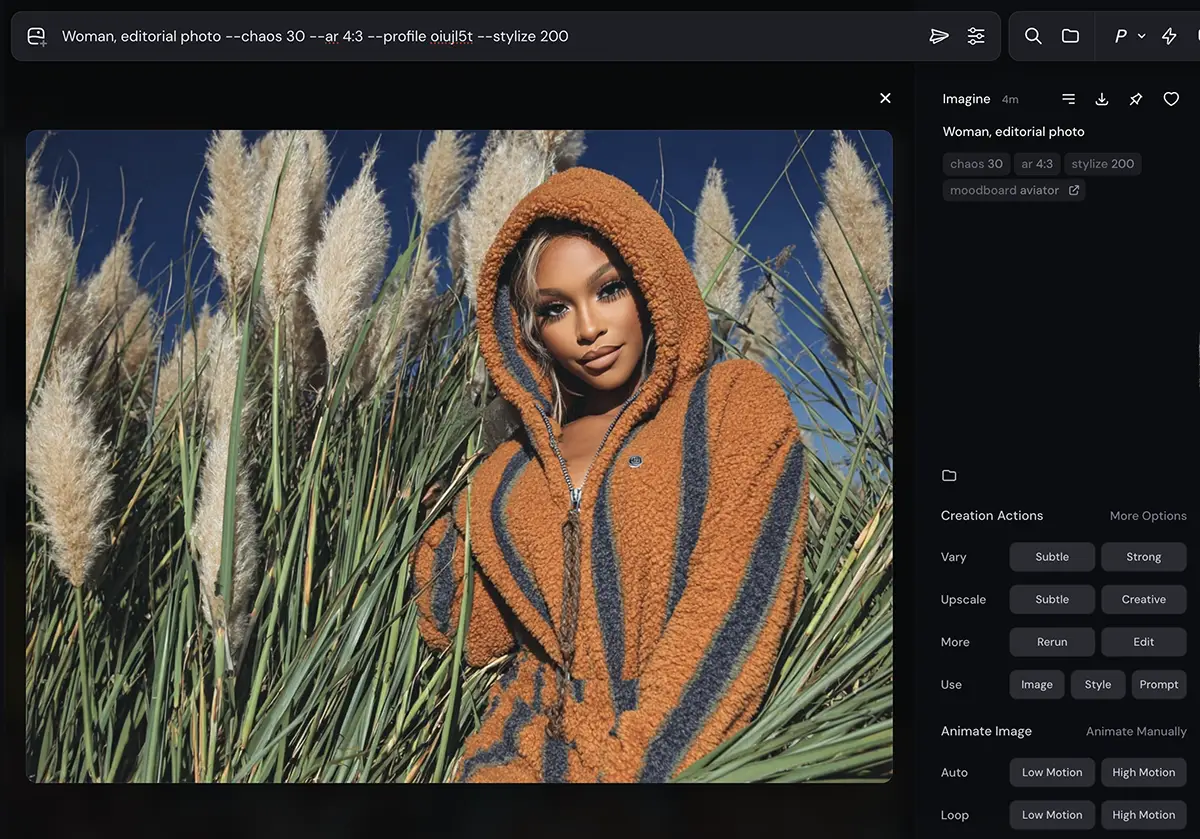
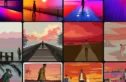
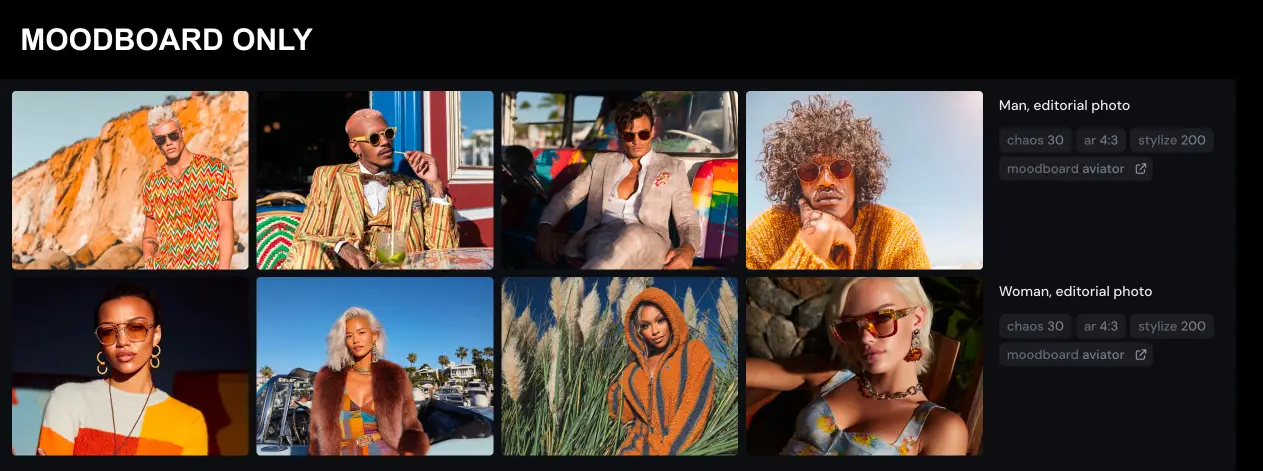
The Test: I built a “Aviator Nation” style moodboard – lots of 70s California surf vibes, rainbows, golden hour lighting, etc. I then applied this moodboard to a prompt.
The Result: The image screamed “California cool.” It wasn’t copying any single image from the board, but it learned the pattern: saturation, warm light, retro styling.
Why this wins: In my personal opinion, moodboards offer the best balance of control and flexibility. Unlike a static Sref code, you can update a moodboard. If the output is too dark, you can remove the dark images from your board and add brighter ones to steer the ship.
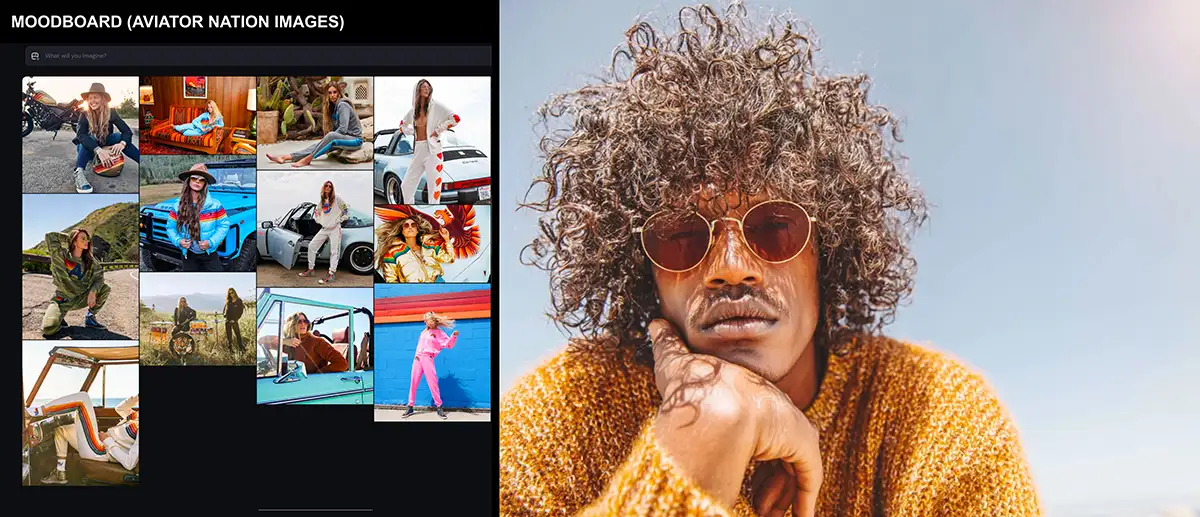
They can also be pretty flexible in terms of content. For example, even though the moodboard was all women, changing the prompt to “man” netted out in an image that feels like a pretty consistent to me – and could be further improved by iterating on the prompt (eg, maybe specifying a beach as the setting) or the moodboard (adding some mens’ images).
Note that if you want product, logos, etc to be perfectly consistent (not just a brand vibe), you’ll probably want something more like this: How to set up a virtual product shoot with Nano Banana.
Conclusion: Taming the Chaos
Midjourney is not a calculator; it’s a collaboration with a very talented, slightly unpredictable artist. You will never get “pixel-perfect” control like you do in traditional 3D or compositing software, and that’s okay.
The goal isn’t to force the tool to be something it’s not. The goal is to build a system: using Image Refs for structure, Style Refs for aesthetic, and Moodboards for brand consistency.
Go in expecting unpredictability. Embrace the happy accidents. But use these systems to ensure that when you do strike gold, you can do it again tomorrow.