Kling 3 is here, the followup to the popular Kling 2.6 AI video generation model.
After spending the last 48 hours running it through the wringer, I’m ready to call it: this is arguably the most capable general-purpose video model available right now. I’d consider it state-of-the-art, overall. On par with Veo 3.1, and possibly better in some ways.
But is it right for your workflow, and your budget? Let’s get into the details and find out.
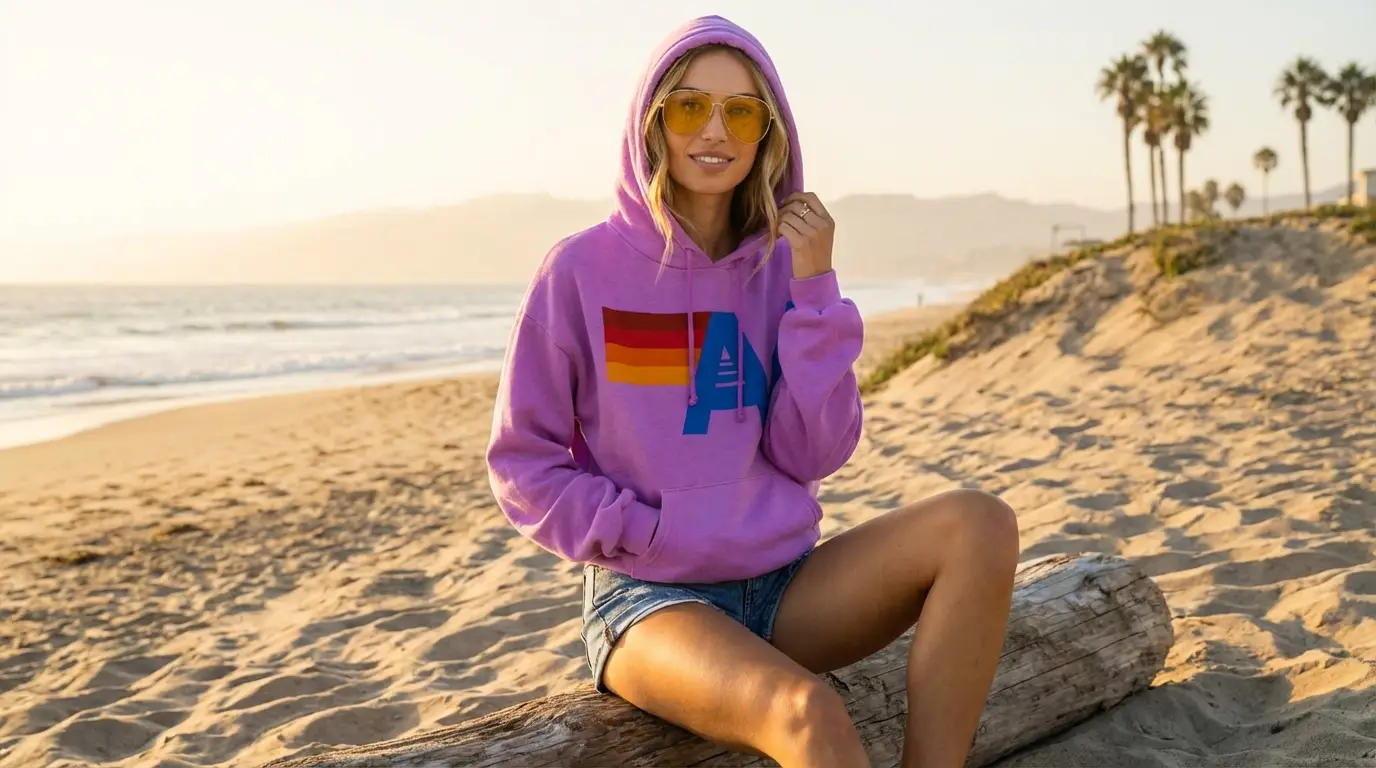
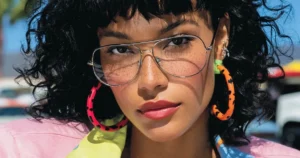
My starting image for the tests
What’s New in Kling 3?
This isn’t just a resolution bump. The team behind Kling has added features that directly address the pain points many creative pros have been asking about.
(For the deep dive on every single spec, you can check out the official release notes here.)
Here are the headlines that matter for us:
-
Multi-shot Generation: You can now chain shots together coherently without starting from scratch every time. You can even specify the exact length of each shot.
-
Reference Elements: This is the big one. Similar to Veo, you can now upload specific “elements” (like a character or a product) to maintain consistency across different shots.
-
Duration: We’re finally hitting up to 15 seconds of high-quality generation.
-
Better Audio: Improved handling of languages, accents, and sound design.
-
Kling 3 Edit: A robust video-to-video editing mode that allows for style transfer and refining existing footage.
For these tests, I used Higgsfield. Why? Because their integration of Kling 3 is currently the most complete. I also tested in Weavy and Flora (which are fantastic suites), but right now, Higgsfield gives me the most granular control over the new features.
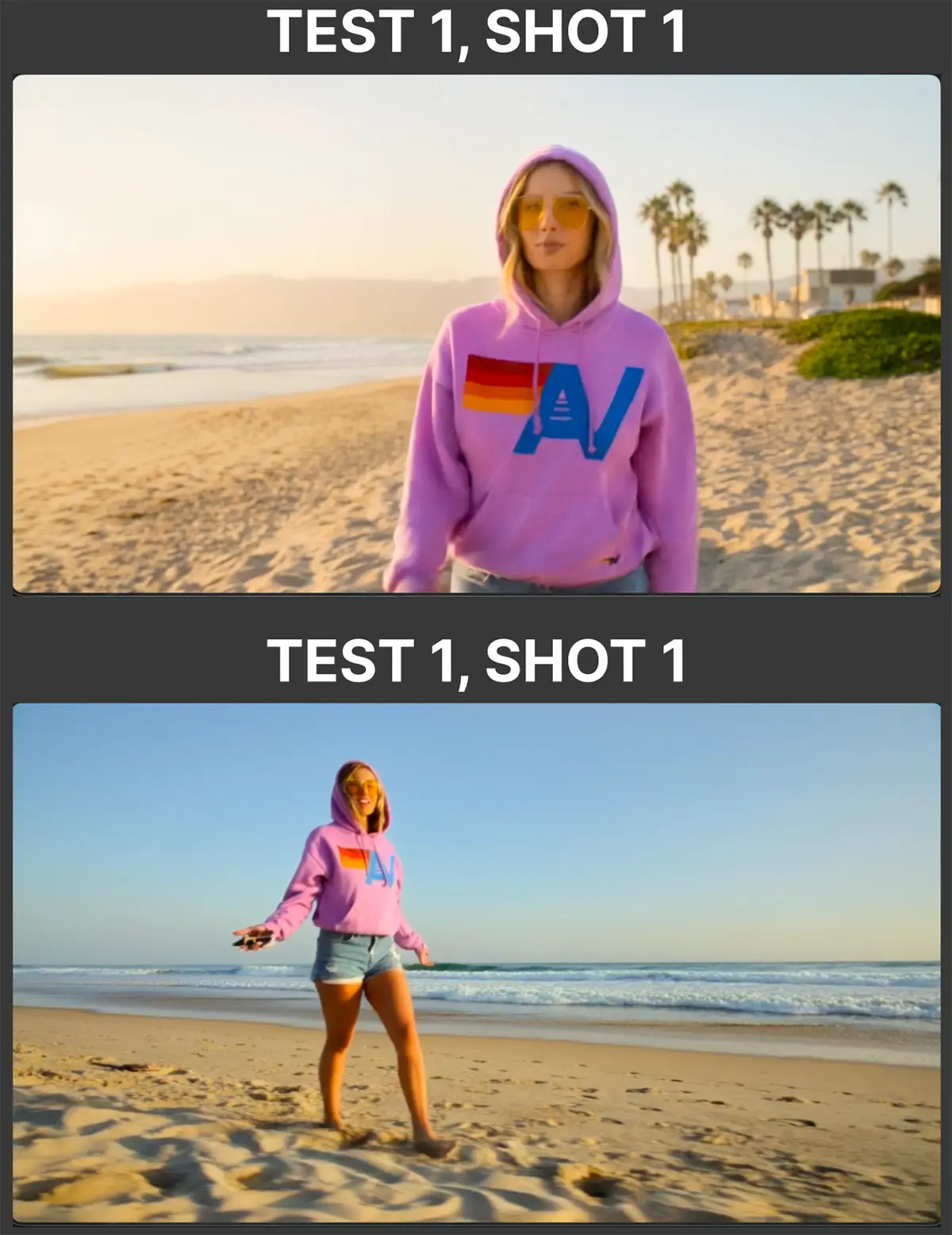
Test 1: Image-to-video with consistent product
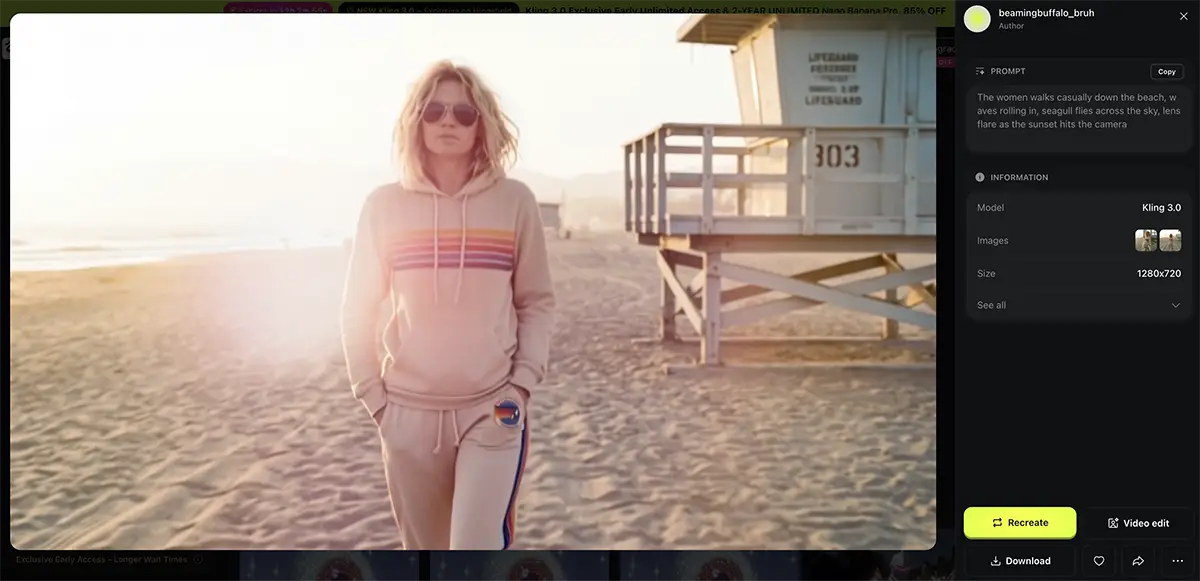
The Goal: Create a consistent character (a woman in an Aviator Nation hoodie) across multiple distinct shots.
The Workflow: I used the Start Frame, Multi-shot, and Elements features. I treated the hoodie like a client product—it had to look the same in the close-up as it did in the wide shot.
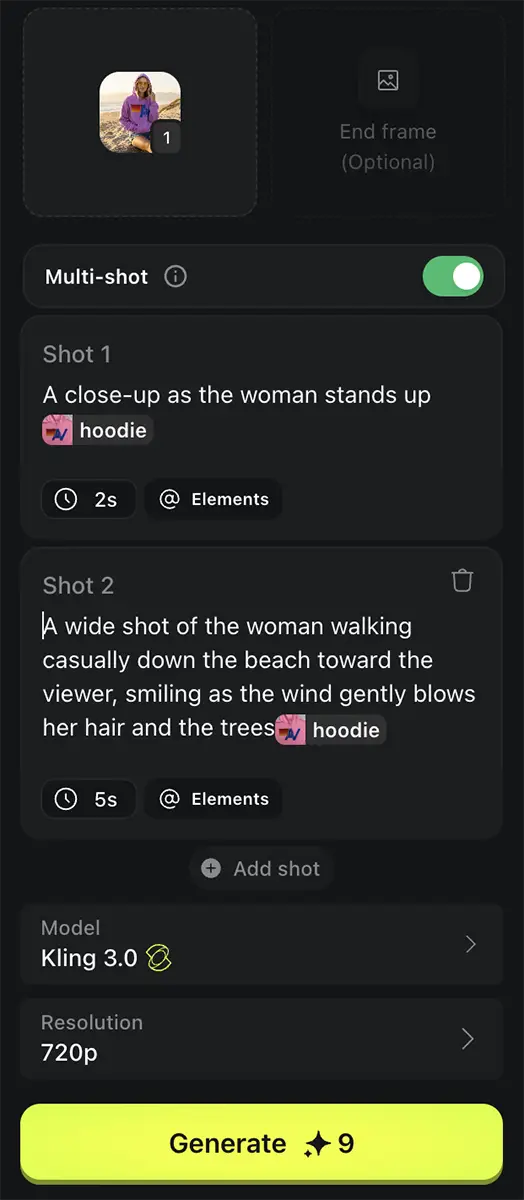
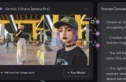
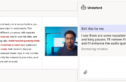
My Kling 3 prompt in Higgsfield
The Results: Honestly? Excellent. No notes.
-
Consistency: The “Elements” feature nailed the hoodie. It didn’t morph into a different jacket or change colors between cuts. Importantly, it also handled the text perfectly.
-
Movement: This is where Kling 3 really shines over Kling 2.6. In the older models, movement often felt “floaty” or like it was stuck in slow motion. Here, the walk down the beach felt weighted, natural, and fluid.
-
Workflow: Multi-shot worked seamlessly in Higgsfield. I also tried a similar text-based prompt in Flora; while Flora doesn’t support the official multi-shot API parameter yet, it still handled the transition surprisingly well just from context.
Test 2: Style Transfer & Editing
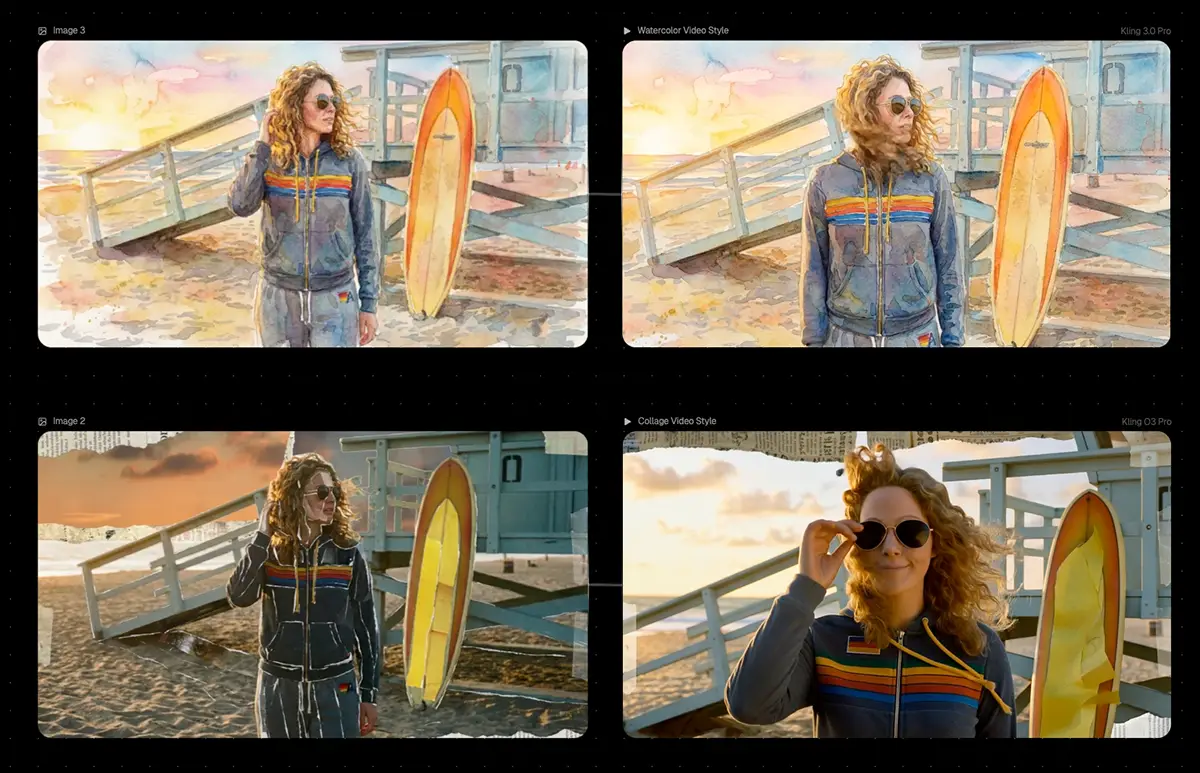
The Goal: Take a realistic video and apply distinct artistic styles using Kling 3 Edit.
The Workflow: I started by generating a standard realistic video using the Start/End frames feature in Kling 3 Pro. Then, I tried to push it in two different artistic directions: Watercolor and Collage.
The Results:
-
Watercolor: This worked incredibly well. The AI understood the “paint” texture and applied it frame-by-frame without that jittery, flickering mess we used to get in 2024.
-
Collage: This was a tougher challenge. It wasn’t quite as successful as the watercolor test—the “paper” edges got a little confused by the motion. That said, it was still aesthetically pleasing and usable for social assets or mood films, just maybe not for the most demanding use cases.
Test 3: Creative Direction
I threw a curveball at Higgsfield to see how it handled specific environmental details. I asked for a lens flare and a seagull to fly across the frame at a specific moment.
The Result: It added the flare and the bird exactly as prompted. Again, no notes!
The Verdict: Is Kling 3 the New King?
My Honest Thoughts:
Overall, Kling 3 is likely the best general-purpose video model on the market right now. It is a massive improvement over version 2.6 and currently sits equal to – or slightly above – Veo 3.1.
-
For the 90%: This tool will meet the needs of 90% of creators, 90% of the time. Whether you’re building B-roll for YouTube, social ads, or pitch decks, this is ready for prime time.
-
For the Pros: High-end professionals will still find shortcomings. It’s not perfect. But it’s clear that video models are on the same trajectory that image models were on a few years ago. We are rapidly approaching “good enough for everything.”
The Pros:
-
Realism: It is unbeatable for realistic, photographic footage (like my beach test).
-
Consistency: The Elements feature is a game-changer for storytelling.
The Cons:
-
Cost: It’s expensive. High-quality video generation burns through credits fast, especially when you have to iterate to get the perfect shot. (Though, like all tech, this cost will come down).
- Slow: Kling 3 Pro took 3+ minutes to render some of these, compared to Grok which might do it in 30 seconds.
-
Abstract/Design: It struggles a bit with visuals that are more design-heavy or illustration-based.
The Alternatives: If you just need simple image-to-video or you’re working with more abstract, design-heavy visuals, Grok is still a strong contender. It’s often faster, cheaper, and handles graphic elements a bit better in my experience.
We’re going to be uncovering even more capabilities of this model for a while—just like we did with Nano Banana Pro. And of course, we’re all waiting to see what happens with Veo 4. But in this game, if you wait for the “perfect” tool, you’ll never ship anything.