You’re here because you want to know if Weavy is worth the cash.
Maybe you’ve heard the buzz about “node-based workflows” or you’re tired of the slot-machine dynamic of basic AI image generators. You want control. You want to build a system, not just prompt and pray.
That’s Weavy, and it’s amazing! But how much does it cost, and is it worth it?
If you are a photographer, designer, or art director, you need to look at this pricing not as a cost, but as an infrastructure investment. The question isn’t “is it cheap?” The question is “does it replace three other subscriptions and save you ten hours a week?”
Here is the breakdown of Weavy pricing, how the credit system works, and which tier actually makes sense for a working professional.
Weavy Pricing Tiers: The Hard Numbers
Weavy’s pricing is straightforward. It avoids the hidden “gotcha” fees of some platforms, but you need to understand the credit limits.
Free Plan
Cost: $0 / month
What you get:
- 150 Monthly Credits (approx. 375 images or 25 seconds of video)
- Full Model Access: You get access to the heavy hitters—Flux, Stable Diffusion 3.5, Ideogram, Runway Gen-3, etc. They don’t gate the good models behind a paywall.
- Node-Based Canvas: Full access to the visual workflow builder.
The Verdict: This is for kicking the tires. 150 credits will vanish in a single hour of serious experimentation. Use this to learn the interface, but don’t try to run a client project on it. If your primary goal is finding a no-cost tool, you might also compare it to these free Midjourney alternatives.
Starter Plan
Cost: $19 / month (billed annually as $228)
What you get:
- 1,500 Monthly Credits (approx. 3,750 images or 417 seconds of video)
- Commercial License: Necessary if you are selling this work.
- 5 Active Workflows: You can save up to 5 distinct node graphs.
The Verdict: Good for the “occasional” creator or a photographer who just needs to enhance shots (e.g., expanding backgrounds, relighting). If you are using AI daily, you will hit the credit limit.
Professional Plan (The Sweet Spot)
Cost: $36 / month (billed annually as $432)
What you get:
- 4,000 Monthly Credits (approx. 10,000 images or ~1,100 seconds of video)
- Unlimited Workflows: Save as many custom pipelines as you want.
- Rollover Credits: Unlike the Starter plan, your unused credits roll over to the next month (as long as you stay subscribed).
- Priority Generation: You skip the queue during high-traffic times.
The Verdict: This is the tier for working pros. The math is simple: for roughly the price of a standard tiered Midjourney subscription, you get access to every model, not just one. The “Unlimited Workflows” is the feature that pays for itself. Once you build a “Product Photography Relight” workflow, you can use it forever without rebuilding it.
Team Plan
Cost: $48 / user / month
What you get:
- 4,500 Credits per user
- Shared Workspace: Share workflows and assets instantly.
- Brand Kits: Upload logos, fonts, and specific style references that the whole team can access.
How Weavy Credits Actually Work
Weavy aggregates models from different providers (Black Forest Labs, Runway, Google, Stability AI, etc.). Because these models have different costs, Weavy uses a universal currency: Credits.
Here is the brutal truth about credit consumption:
- Cheap: Fast models like Flux Fast or Stable Diffusion 3.5 are efficient. You can generate thousands of images on the Pro plan without sweating.
- Expensive: Video generation and “Ultra” heavy models eat credits alive.
- Runway Gen-3 / Luma Ray: These can cost 200+ credits for a simple clip.
- Flux Pro Ultra: High-res, raw mode generations are pricey.
The Strategy:
Don’t burn expensive credits on iteration. Use a cheaper, faster model (like Flux Schnell) to test your prompt and composition nodes. Once the workflow is solid, swap the node for the high-end model (like Flux Pro or similar) for the final render. This is the “node-based” advantage—you can swap the engine without breaking the car.
What You Are Actually Paying For (Features)
You aren’t paying for “images.” You are paying for control.
1. The Node-Based Workflow
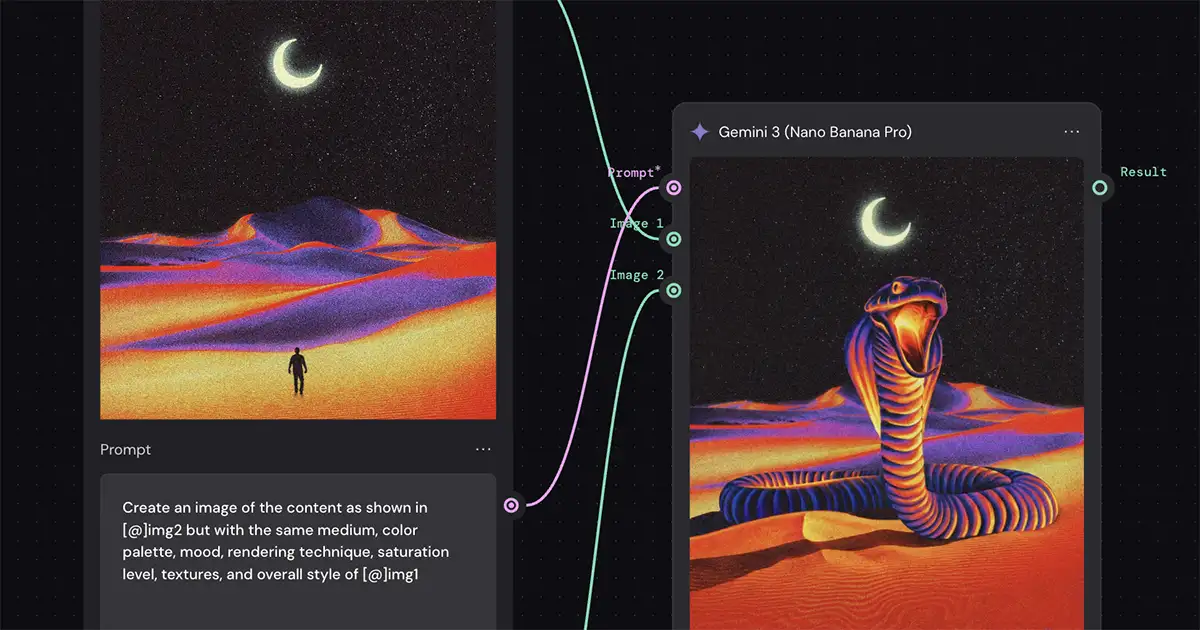
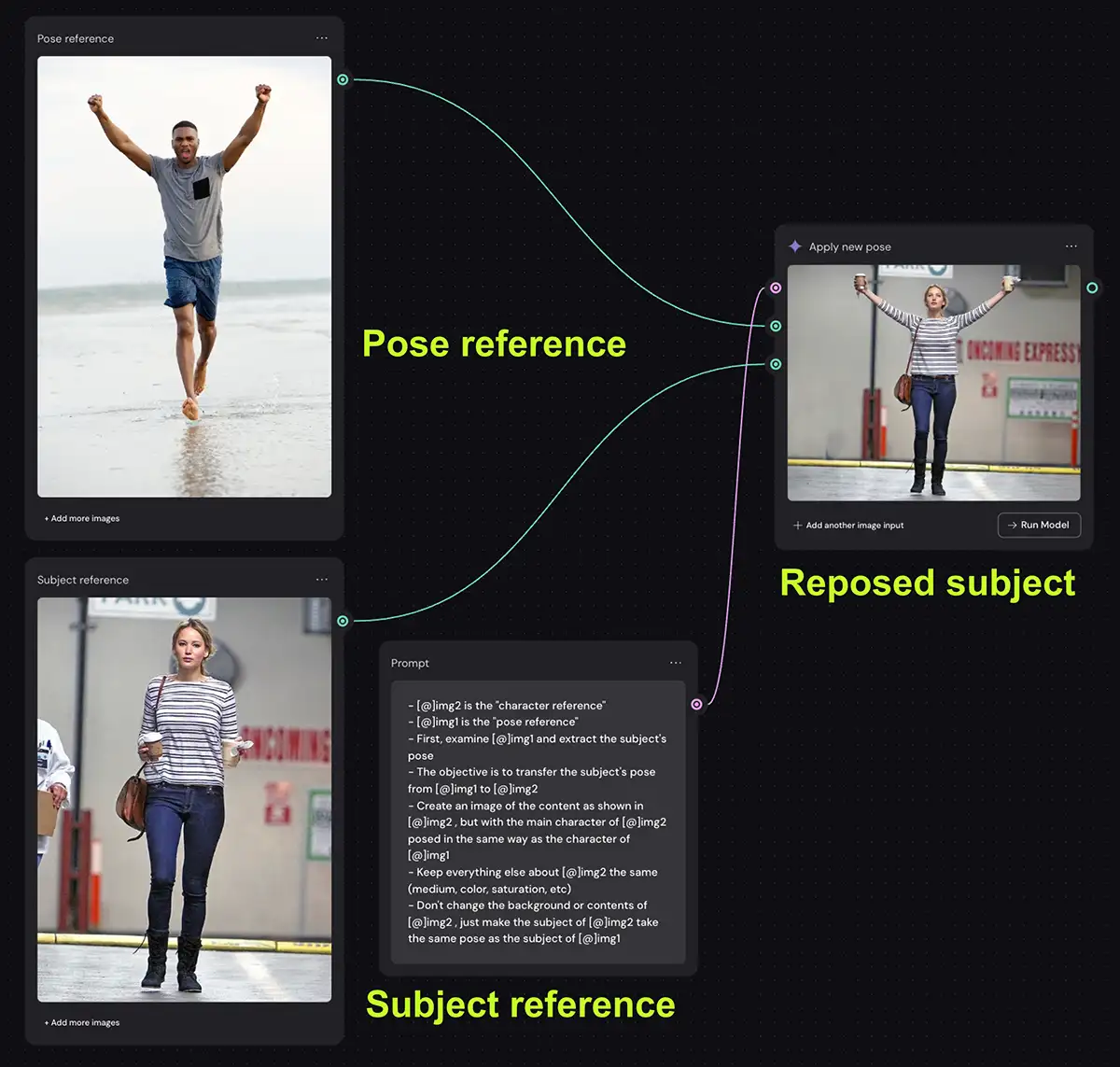
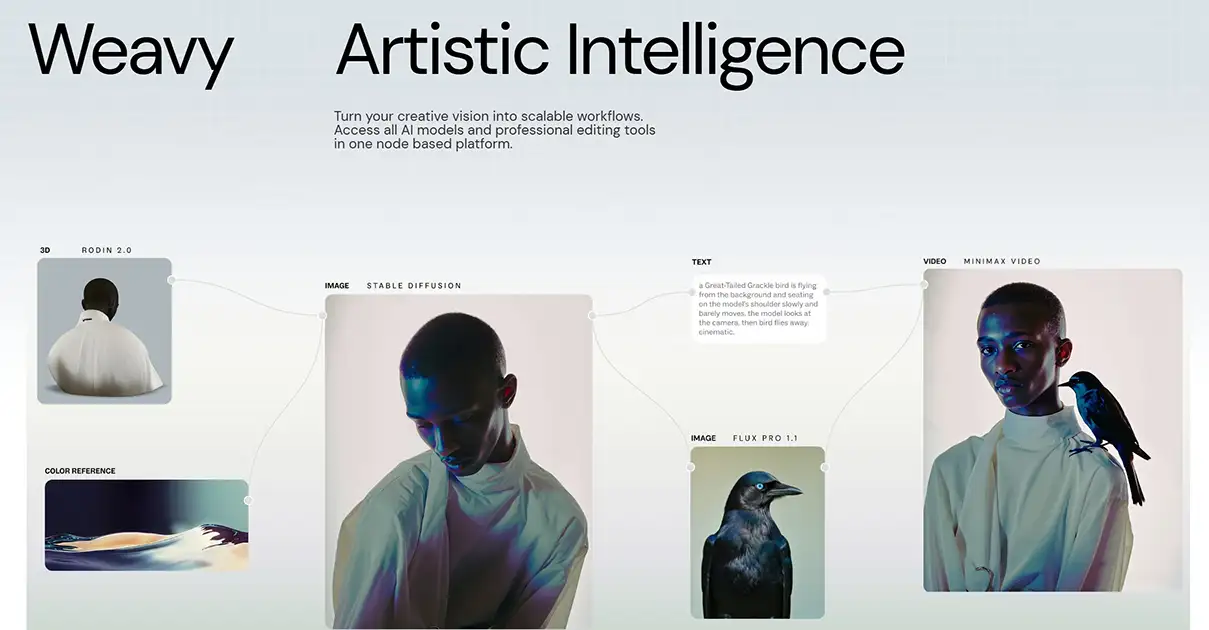
If you’ve used ComfyUI, you know the power of nodes—and the pain of setting them up. Weavy gives you that power without the headache. You drag a “Prompt” node, connect it to a “Style Reference” node, run it through a “ControlNet” node (to keep composition), and output it.
- Why it pays off: Reusability. You solve the problem once, save the flow, and use it on the next 100 images.
2. Multi-Model Access
Stop paying $30 for Midjourney, $20 for ChatGPT Plus (DALL-E), and buying Runway credits separately. Weavy puts them all in one bucket.
- Settings Detail: You can even pipe the output of one model into another. Generate a base composition with Ideogram (great for text), then upscale and refine it with Flux (great for realism). You can’t do that in a single-model app.
3. Professional Editing Tools
Weavy integrates manual tools directly into the generation canvas.
- Masking & Inpainting: Don’t just regenerate the whole image. Mask the hand, tell the AI “fix the fingers,” and it updates just that region.
- Relighting: Use the “Relight” node to change the light source on a product shot from “Studio Cool” to “Golden Hour” without reshooting.
Weavy vs. The Competition
Let’s look at where your money goes compared to the alternatives.
| Feature | Weavy (Pro) | Midjourney (Pro) | ComfyUI (Local) |
|---|---|---|---|
| Price | $36/mo | $60/mo | Free (Hardware cost) |
| Interface | Node-Based (Visual) | Discord / Web | Node-Based (Complex) |
| Models | All (Flux, SD, Runway, etc.) | Midjourney Only | All (Manual Install) |
| Control | High (ControlNet, Layers) | Low (Parameters) | Extreme |
| Learning Curve | Medium | Low | Intense |
The Takeaway:
If you just want “pretty pictures” for mood boards, stick with Midjourney. It’s easier.
If you’re a hobbyist with a $4,000 PC and lots of free time, use ComfyUI.
But if you’re a professional who needs to deliver specific client assets (e.g., “Sofa similar to this sketch, in this fabric, with this lighting”), Weavy is the only one that makes financial sense. It bridges the gap between “random AI art” and “production workflow.”
The Final Word
Don’t stay in the “middle.” The middle is beige. The middle is paying for five different cheap tools that don’t talk to each other. Weavy is an amazing app and worth the money IMO.
If you are serious about integrating generative media into your actual billable work – not just playing around on Discord – Weavy’s Professional Plan ($36/mo) is a no-brainer. It gives you the credits to execute, the rollover safety net, and the multi-model flexibility to tackle any brief a client throws at you.
Start with the Free tier this weekend. Build one workflow. If it saves you an hour, buy the Pro plan. That’s the ROI.