Right now, we are seeing a massive shift in how that work gets done. For thirty years, we lived in the era of layers: Photoshop, After Effects, Premiere, etc. But the era of Layers is ending, and we’re entering the era of Nodes.
Currently, two dominant platforms are competing for this new space: Weavy (a polished SaaS app) and ComfyUI (a free, open-source app that runs locally).
Which is better for you? Let’s find out.
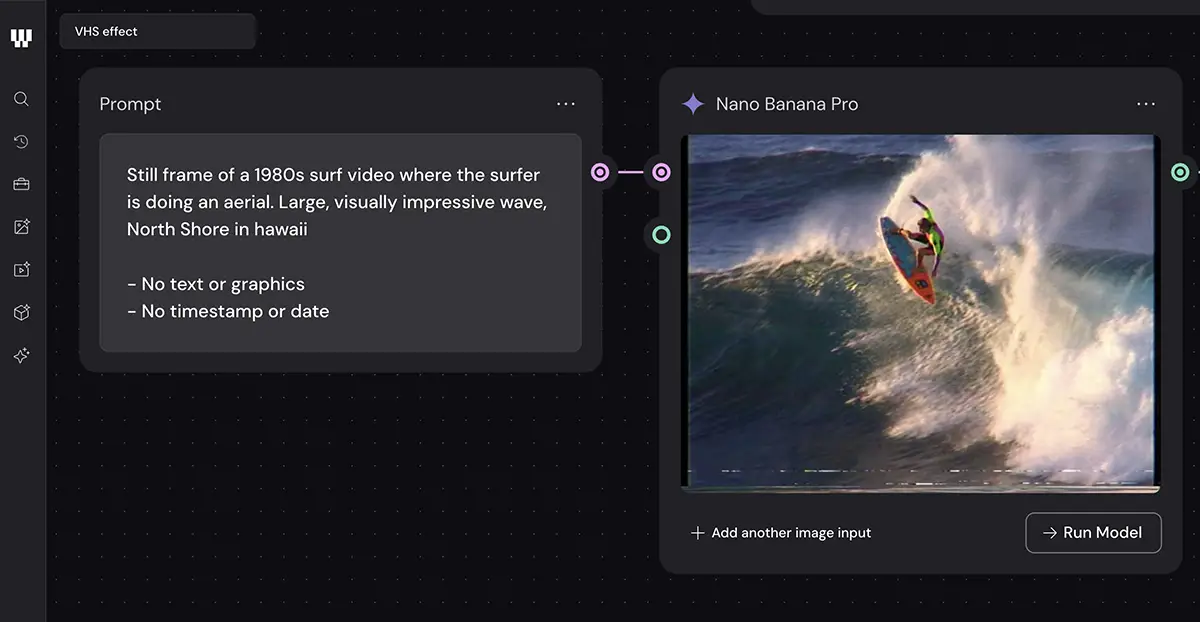
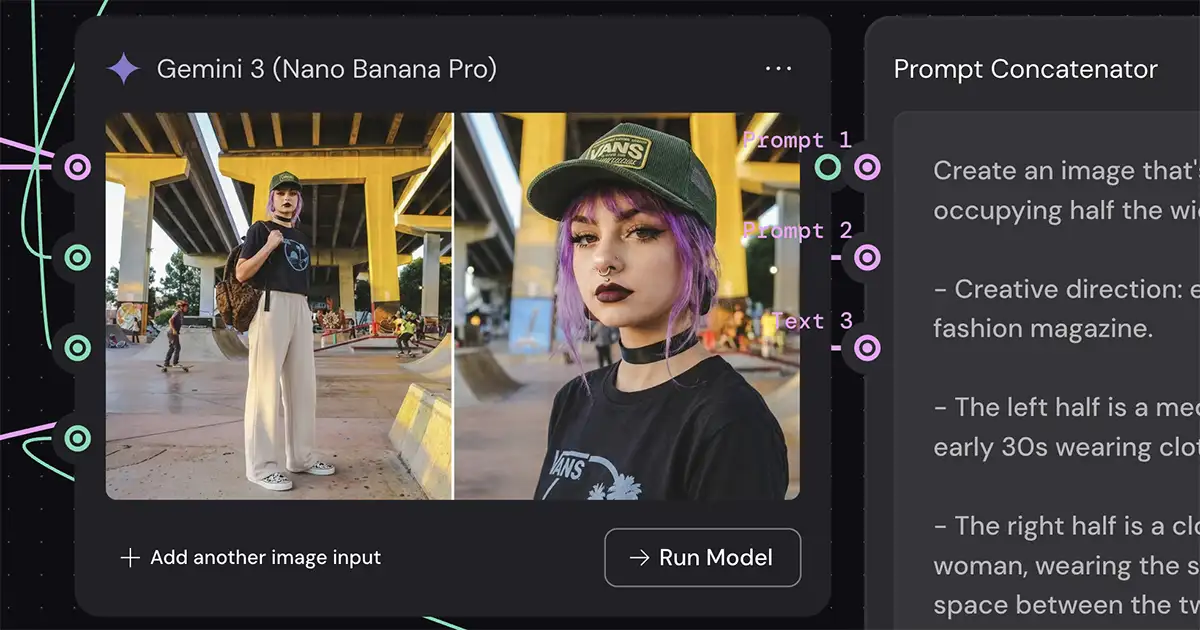
Creating an image in Weavy is simple: Connect the prompt to the image generation node and click “Run Model”
What is Weavy?
In a nutshell, Weavy is a node-based canvas where you can drag and drop an effectively unlimited number of nodes and connect them together. Each node is an instance of an AI model (or a tool like masking, levels, etc), and you can chain them together to create the exact workflow you need.
It supports just about every image and video gen mode: Nano Banana, Kling, Higgsfield, Ideogram, etc etc. But more importantly in this context, it also supports Flux, Stable Diffusion, and importing custom LORAs from Civitai, Hugging Face and Replicate – so it’s effectively ComfyUI in the cloud
And because it can import LORAs, it’s actually a better solution that the current version of Comfy Cloud, which doesn’t support them.
Bottom line: it’s almost everything you would get with ComfyUI and then some, with the notable exception that it doesn’t run locally.
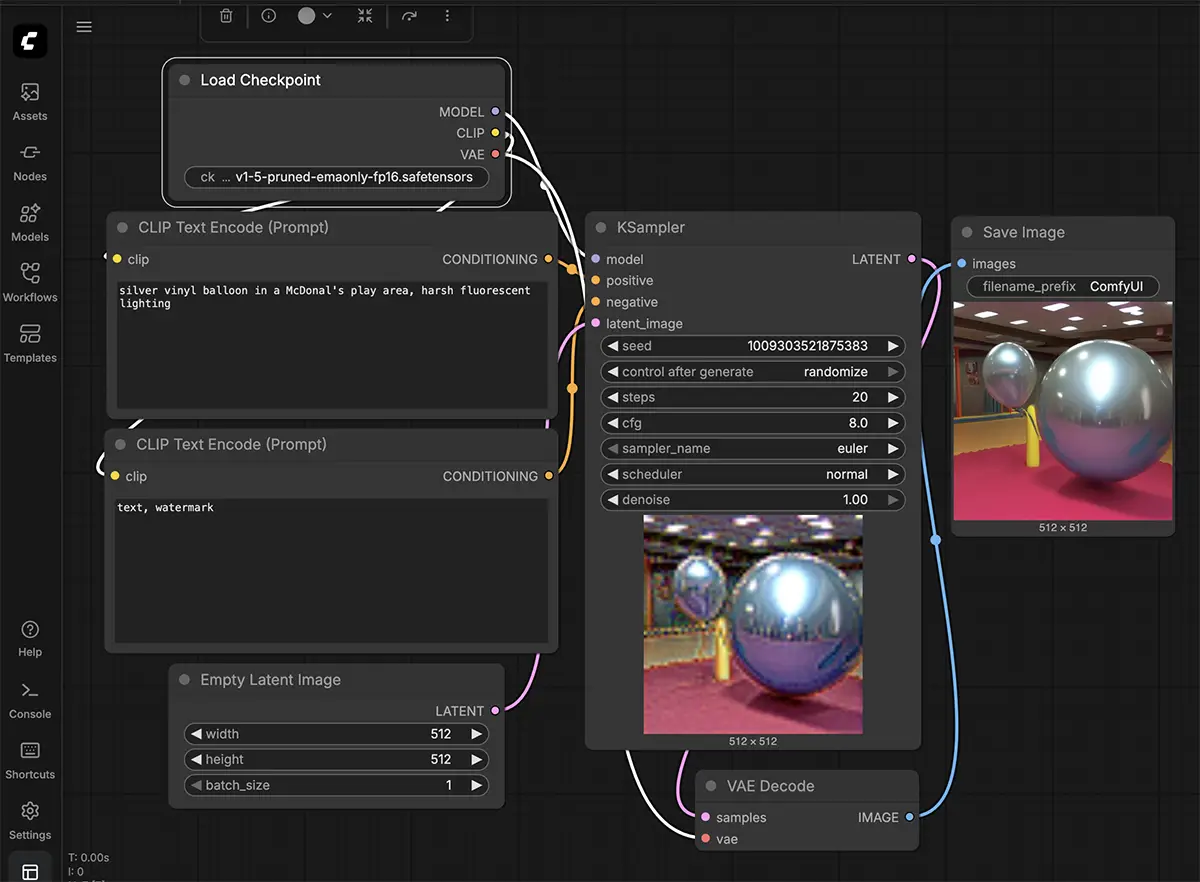
This is a very basic ComfyUI flow to create a simple image that still needs work… it’s powerful, but there’s a steep learning curve
What is ComfyUI?
ComfyUI is also a node-based canvas app, but it typically runs locally. Meaning, you install it on your own computer and it uses your GPU to render everything. And note that Comfy Cloud is an option to run it in the cloud, although most choose to run Comfy locally.
Like Weavy, every node is an instance of an image/video generation model or some kind of tool (for example, extracting a mask from your input image). But it exposes even more of the pipeline and gives you an unparalleled level of control, allowing you to mix models, isolate specific components, and build incredibly complex workflows from scratch.
However, the learning curve is steep. Its interface can look like a plate of spaghetti to the uninitiated, and you’ll generally have to jump through a lot more hoops than you would in Weavy.
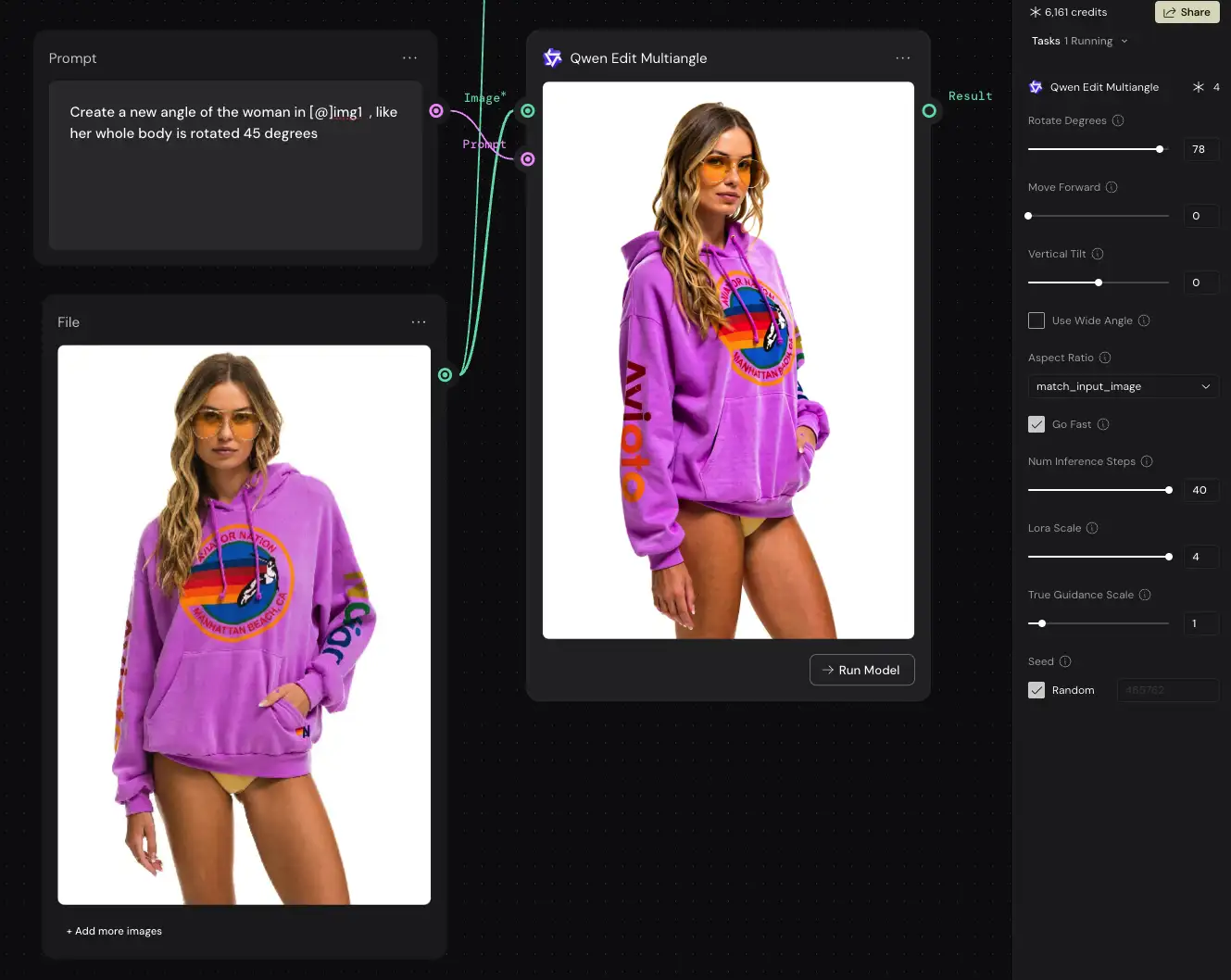
Image and video model selection
Because it’s a commercial product, Weavy has a bigger selection of models. For example, Google Veo (currently the top model for video) isn’t available in ComfyUI, nor is OpenAI’s Sora 2. And if you want other commercial models like Grok or Higgsfield, you’ll need to go with Weavy.
But note that although Weavy has more overall models, Comfy has a wider selection of NODES. This is nuanced difference but it might matter. For example, although both have support for LTX video, Weavy has a single node for it whereas Comfy has well over a dozen that handle all kinds of very specific things like masking and VRAM optimization.
Advantage: Weavy
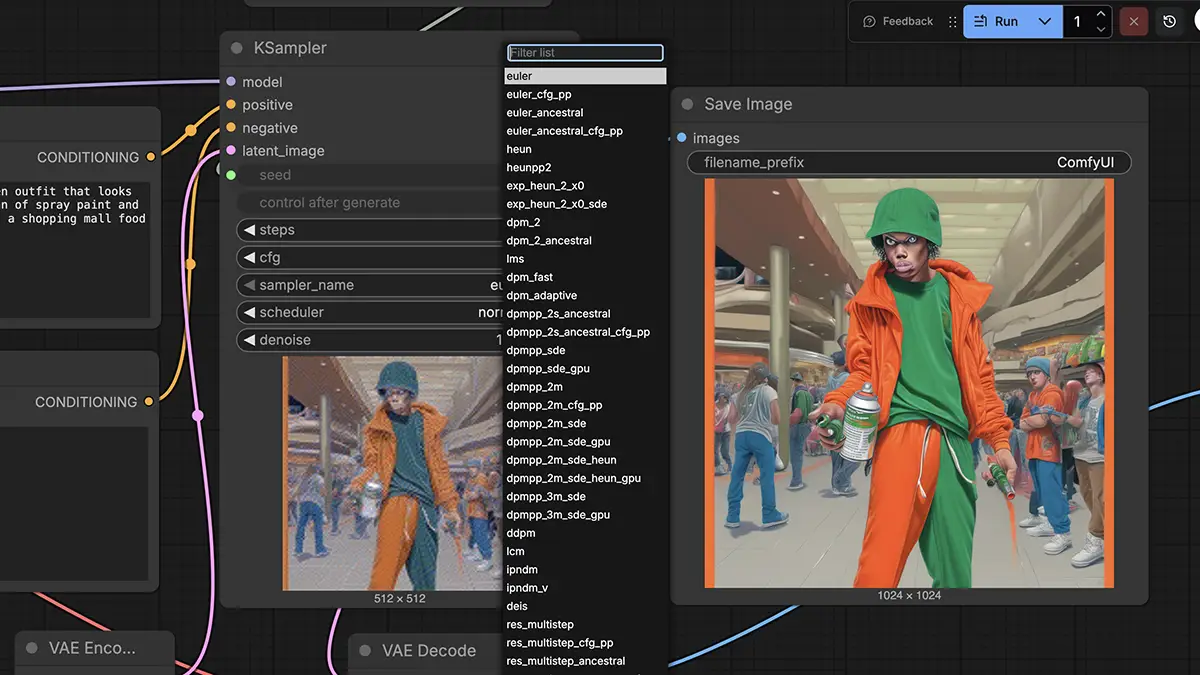
These aren’t even all the options for one parameter of one Comfy node (sampler types)
Granular control
ComfyUI gives you access to almost every detail. A prime example is ControlNet Scheduling, which is a way of using an image as style reference. In Weavy, if you use a reference image, it’s all or nothing – you can’t apply a weight.
But with Comfy, LoRAs, IP Adapters, and ControlNets, you can do exactly that: “Follow my reference sketch for the first 30% of the process to get the shape right, then ignore it for the last 70% and fill in the details yourself.”
And again, it’s the nuances: Weavy has nodes that support LoRAs, ControlNets, etc but with significantly less of the parameters exposed.
Advantage: ComfyUI (but at the cost of ease-of-use)
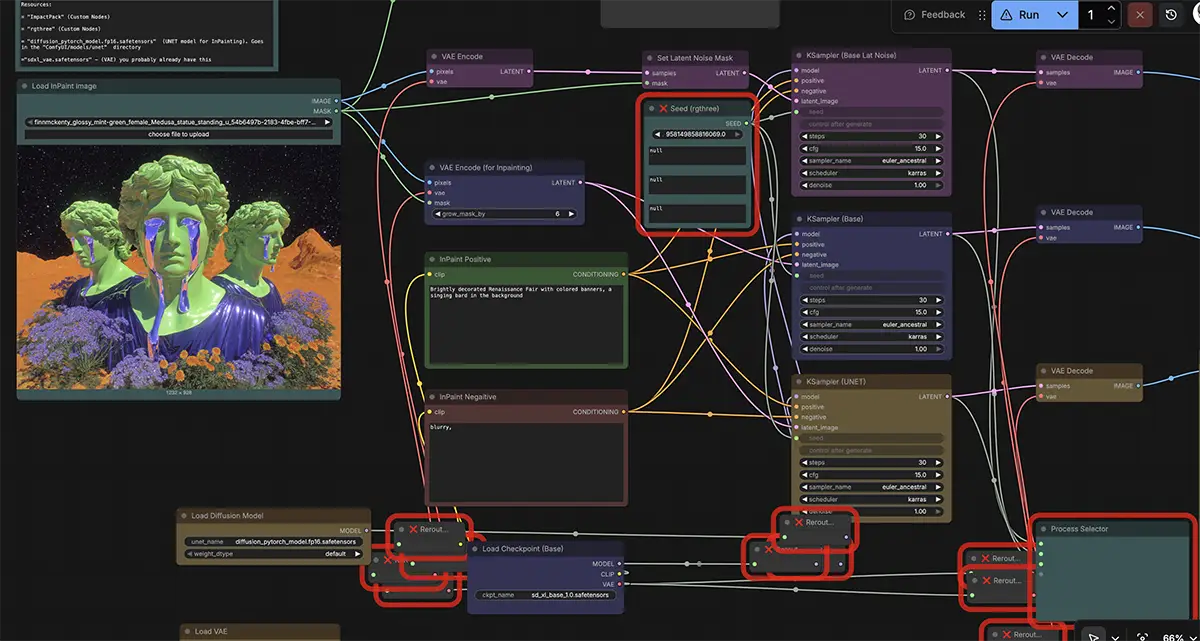
This is a fairly simple example of inpainting in ComfyUI
Processing & Compositing
Both have full support for processing and compositing: color grading (Curves, Levels), masking, layering, etc – the question is how deep you want to go.
Think of Weavy’s options as comparable to Photoshop, but in nodes. Create an image, connect it to a Levels node, make the adjustments, and you’re done.
ComfyUI’s are more granular and powerful, but also much tougher to grasp – more like a VFX workflow than Photoshop or Premiere. Expect to put in some serious time learning the tools and searching for things like “set latent noise mask vs VAE encode”.
Advantage: Tie (depends on your preference)
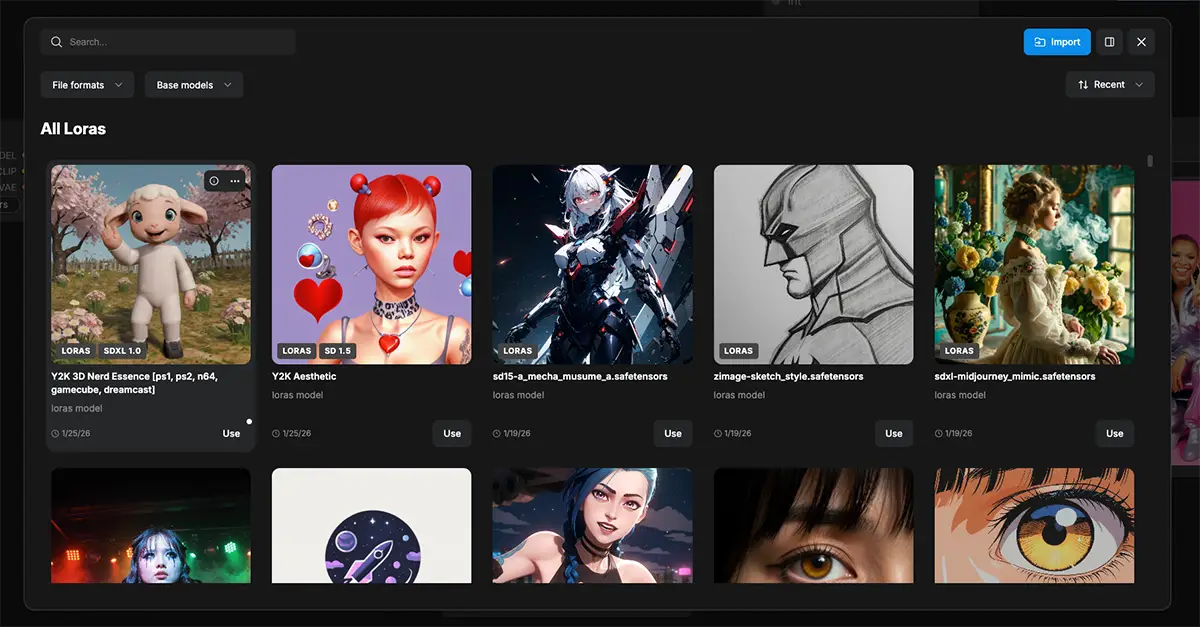
A few LORAs. And there are hundreds and hundreds more.
Working with LORAs
LORAs are essentially like aesthetic presets, eg a neon cyberpunk look, vintage cartoons, street photography, a new angle, etc. These plug into models like Flux or Stable Diffusion, and they’re the backbone of a ComfyUI workflow. Browse the options at CivitAI and you’ll see how vast the ecosystem is.
Both apps support them, but Weavy has some limitations. Although you can import them from Civitai, Huggingface and Replicate, the selection of nodes in Weavy isn’t as big as Comfy so you’ll have to work around that. And ComfyCloud now supports imported LORAs, which is a big win.
Advantage: ComfyUI
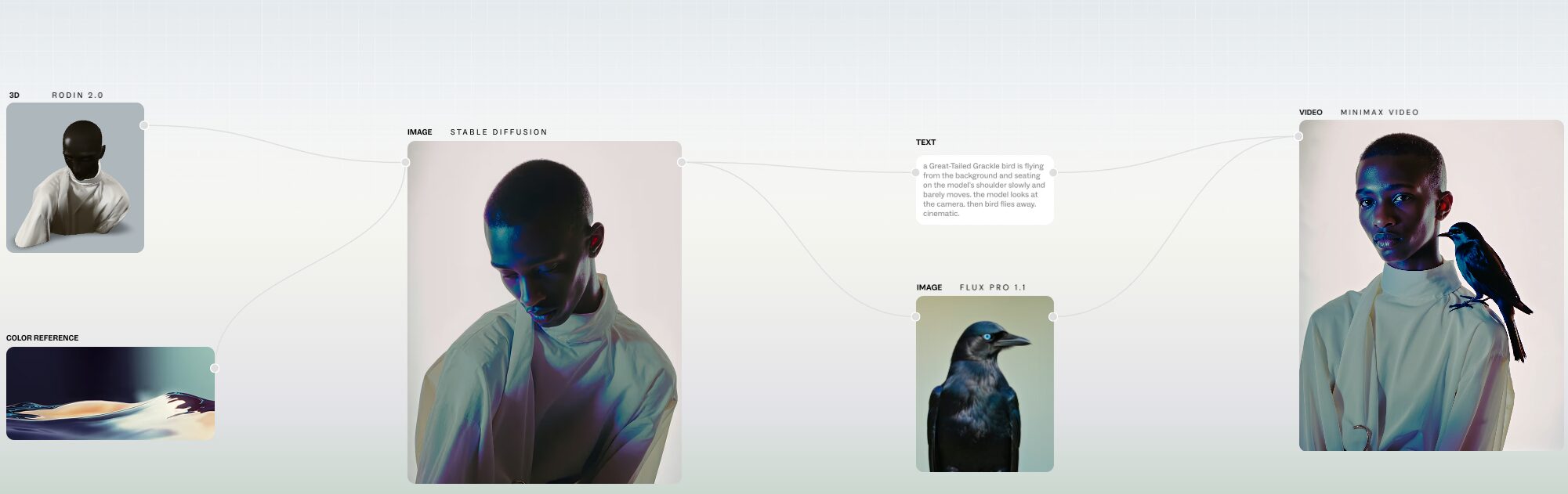
Cost and hardware requirements
This is essentially a choice between paying monthly fees (Weavy) or buying expensive gear upfront (ComfyUI).
ComfyUI
ComfyUI is free software, but it requires a powerful computer with lots of VRAM and a high-end GPU. Expect to pay $4-5K in total for the kind of workstation you’d want to do professional work.
But once you buy the machine, you pay zero monthly fees. You can generate 10,000 images a night, and it costs you nothing but electricity.
Or go with Comfy Cloud and you can run it in the browser where hardware requirements are irrelevant.
Weavy
Weavy uses a subscription model based on “credits.”
-
Professional Plan: $36/month for 4,000 credits.
-
The Math: Generating a standard image is cheap. But generating a high-definition video using a premium model like Google Veo can cost 100+ credits per run.
-
The Benefit: Weavy offers parallel processing. On a local computer, you generate one image at a time. In Weavy, you can set it to generate 50 variations at once because they spin up 50 servers for you in the cloud. For tight deadlines, this speed is worth the cost.
What About the Alternatives?
There’s LOTS of competition in this space and while Weavy and Comfy are the two I’d most recommend, you may also want to check out:
- Flora: This tool focuses on narrative and visual thinking. It offers pre-configured “Flows” for specific industries like fashion, architecture, and filmmaking. Its strength is in storyboarding and maintaining character consistency across a series of images, making it ideal for pre-visualization.
- Freepik Spaces: Pitched as “ComfyUI for the masses,” Spaces offers a cloud-based node graph that is more accessible than ComfyUI. Its killer feature is the direct integration of Freepik’s massive stock asset library, allowing you to pull in professionally shot images as a starting point for your AI generations. It is also the only major node tool with real-time, Google Docs-style collaboration.
- Krea: Krea’s specialty is speed and real-time interaction. Using Latent Consistency Models (LCMs), your image updates almost instantly as you type or draw. You can even hook up a webcam and use your movements to drive the generation. This makes it an incredible tool for live performance, interactive art, and rapid, improvisational ideation.
- Leonardo.ai: Leonardo has evolved from a simple image generator into a mature creative suite. While not a true “node graph” visually, its “Blueprints” system uses node logic. Its biggest strengths are its powerful Phoenix model, which excels at rendering text, and its best-in-class tools for training your own custom models—a crucial feature for game studios and brands needing a unique, consistent style.
Choose Weavy if:
- You want something that you can start using on day one
- You Need Collaboration: You have a team that needs to share workflows and assets in real-time.
- You Want Speed: You prefer typing a simple prompt into a smart model like Nano Banana Pro and getting a great result instantly, rather than tweaking settings.
- You Want Portability: You want to do high-end work from a laptop in a coffee shop.
Choose ComfyUI if:
- You’re ready for a STEEP learning curve
- You are a Technical Artist: You want to manipulate the raw data and build workflows that no one else has.
- You Do High-Volume Production: You need to generate thousands of assets, and the credit costs on a subscription plan would be too high.
- You Need Absolute Privacy: Your clients require air-gapped security where no data touches the internet.
- You Have the Hardware: You already own a powerful workstation and want to use it to its full potential.