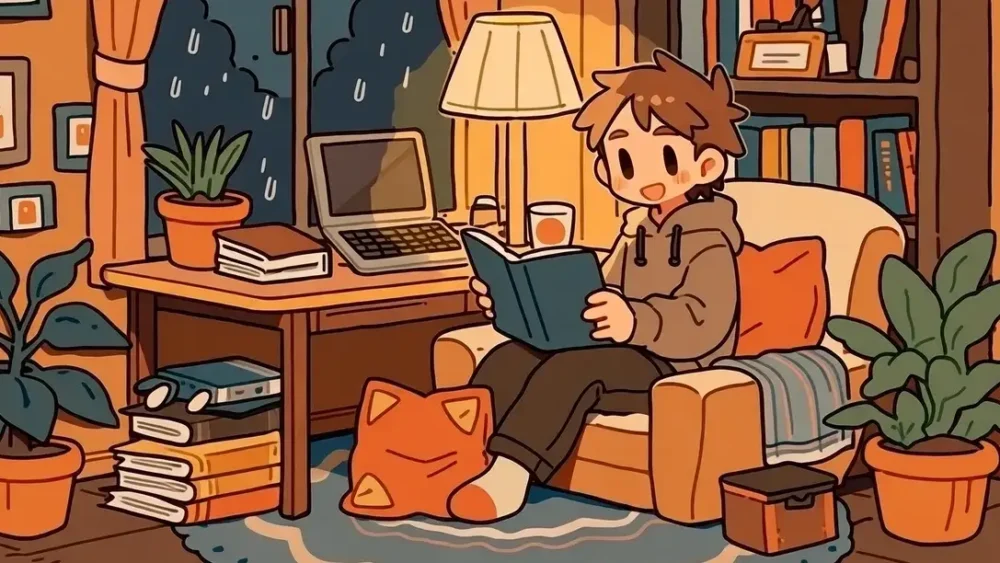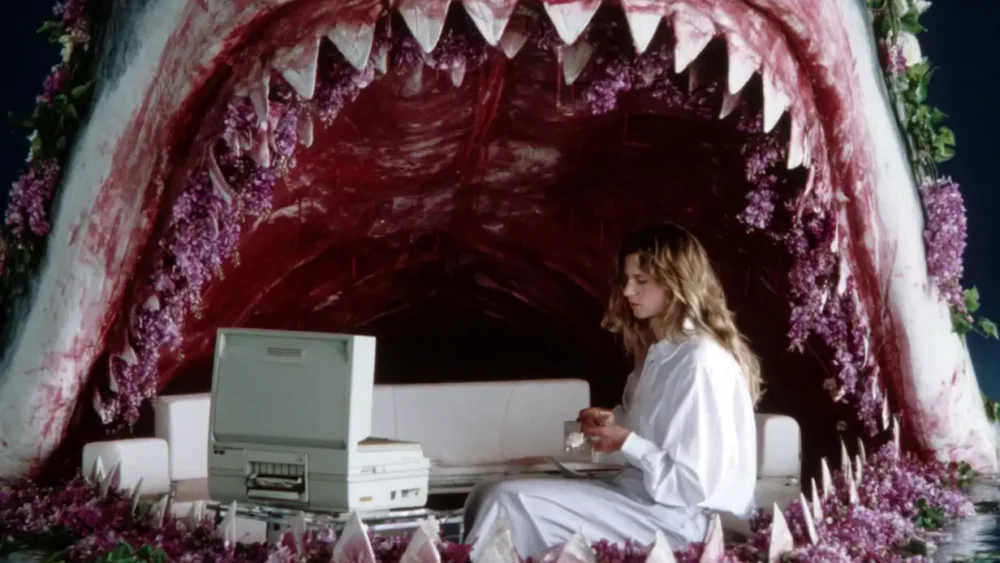
Midjourney is incredible: it creates aesthetically polished images that nothing else can really touch. But let’s be real: it’s a temperamental artist. It’s inherently chaotic... it requires you to direct rather than control. Your job is to have a creative vision and execute against it. If you can’t control the output, you can’t do the job. Clients don't want happy accidents; they want repeatable systems. They need assets that match a specific brand identity, a... read more ›
Jan
21
Jan
17
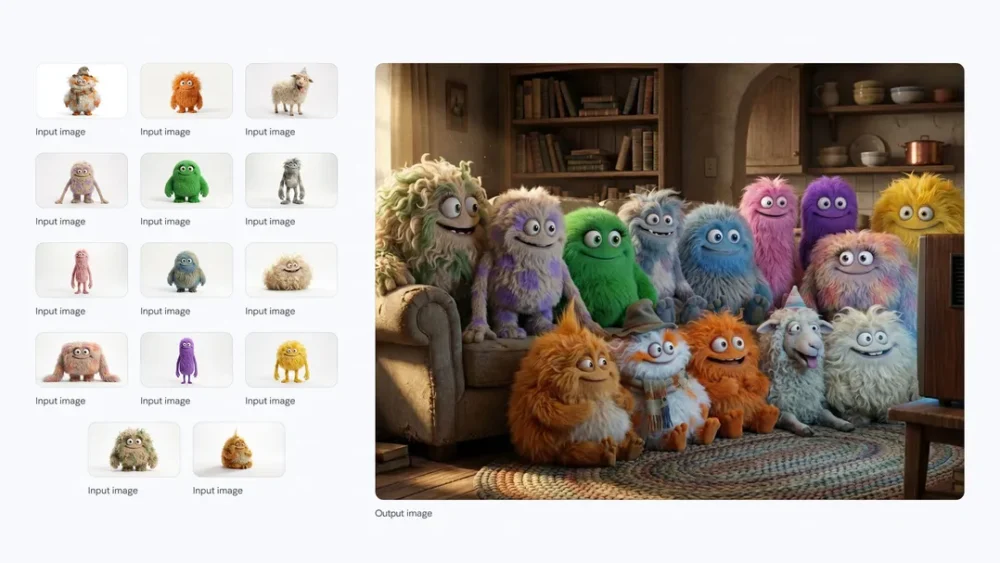
You're about to see how to take a messy napkin sketch and turn it into a consistent, studio-quality character using a workflow that actually respects your creative intent, using Nano Banana (Google's amazing image model) and Weavy (node-based canvas app). And importantly, the character will stay consistent across scenes, poses and even styles (want to render it as a B&W cartoon? Not a problem). I'll show you the step-by-step breakdown of how we built the... read more ›
Jan
15
Midjourney v7 Niji is here - a much-anticipated update to the aesthetic-focused AI image generation app. For the uninitiated, you might be asking: What exactly is Niji? In their own words, "this is our version of our image models specifically tuned for Asia and Anime." It’s a collaboration between Midjourney and Spellbrush, designed to understand the specific aesthetics, line work, and composition of anime and illustrative styles better than the base model. You can read... read more ›
Jan
08
The debate between MidJourney and ComfyUI is still a defining conversation for AI artists. Both tools can create industry-standard imagery, but they serve fundamentally different roles in a production pipeline. The choice is not about image quality, as both generate high-fidelity results. The choice is about process. Do you need an "Artist" that generates beautiful ideas instantly, or a "Technician" that executes precise instructions without deviation? This guide breaks down the pros and cons of... read more ›
Jan
01
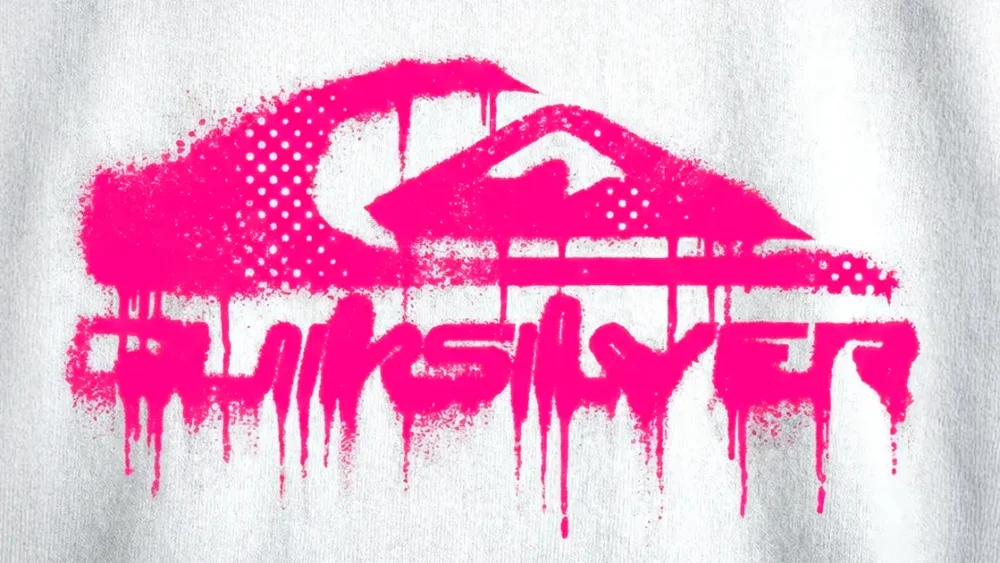
Many of us in the creative community, miss the grit of the darkroom, the unpredictability of a letterpress, the happy accidents of a photocopier running out of toner. We want that analog warmth, not digital perfection. The problem? Most "distressed typography / bad photocopy" filters and presets look fake and cheap - especially in AI. So today, we’re going to look at how to create authentic, grungy ink bleed and halftone effects using AI -... read more ›
Dec
27
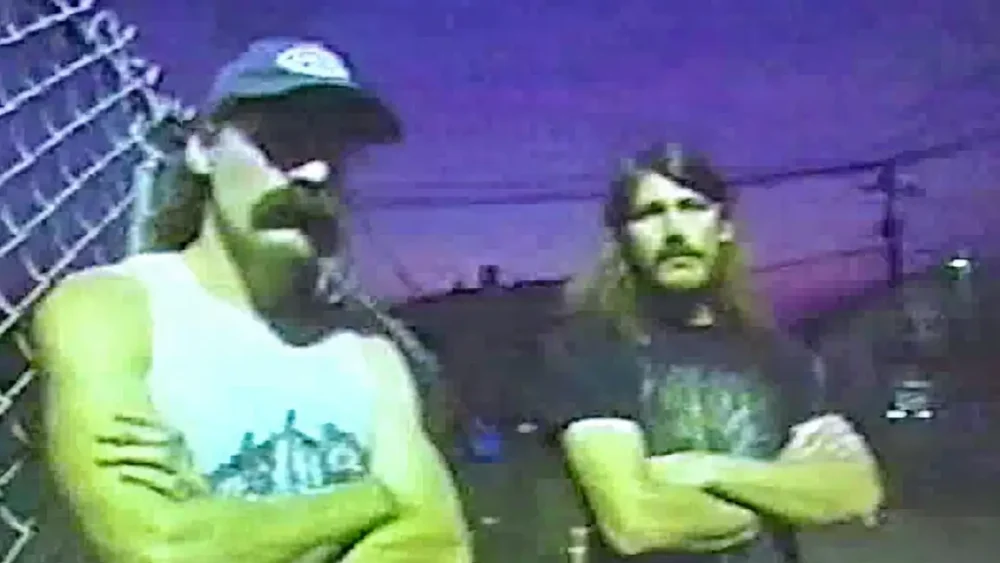
Replicating analog imperfections in a digital space has always been the holy grail. And let’s be honest: most "VHS effects" out there are bad. You know the ones—they just slap a scanline overlay and some chromatic aberration on a perfectly sharp image. It looks like a filter. It doesn't look real. Today, I’m going to walk you through a workflow that nailed this effect so perfectly it actually surprised me, The goal here isn’t just to... read more ›
Dec
21
You've probably heard about how amazing Google's Nano Banana Pro image generator is. I've talked about it, other people have, and it's the real deal: it's legitimately one of the most powerful creative tools I've used since Photoshop. It’s fast, the reasoning capabilities are wild, and the image fidelity is finally hitting that "studio-quality" mark we’ve been waiting for. And best of all, you can use it for free via the official app. But there’s... read more ›
Dec
20
If you’ve been following the explosion of generative AI, you’ve probably hit the same wall I have. You spend an hour tweaking a prompt in Midjourney, rolling the dice over and over. You finally get the perfect lighting, the perfect film grain, and that intangible vibe you were chasing—but the specific details are wrong. The text is gibberish. The branding is off. The prop in the subject’s hand looks like an alien artifact. So you... read more ›
Dec
09
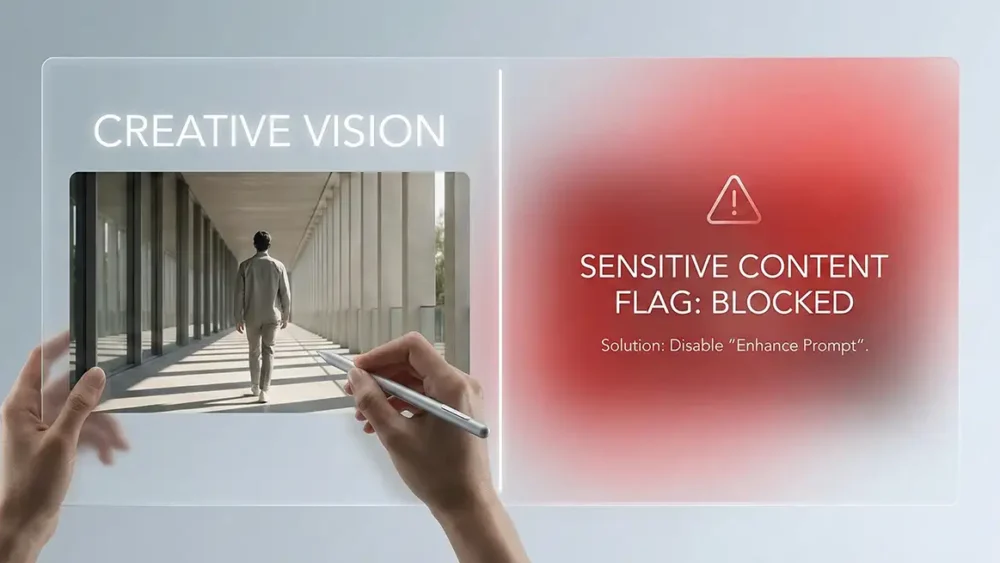
If you’ve spent any time with the latest wave of AI video generators - specifically Veo 3- you’ve likely hit the wall. You know the one. You type in a prompt for something totally benign, like “a person walking down the sidewalk in late afternoon sun,” and bam: "Sensitive Content" warning. It’s frustrating. It kills your creative flow. And frankly, it’s confusing. You aren’t trying to make anything controversial; you’re just trying to get a... read more ›
Dec
09
You’re asking the wrong question. Most creatives ask "Which tool has better features?" That’s the mediocre path. The real question—the one that determines whether you land the $150k retainer or get ghosted—is "Which tool fits the career I’m building?" I’m not here to list bullet points you can find on a feature page. I’m here to tell you how these platforms function in the actual, high-pressure environment of professional design. We’re going to look at... read more ›