

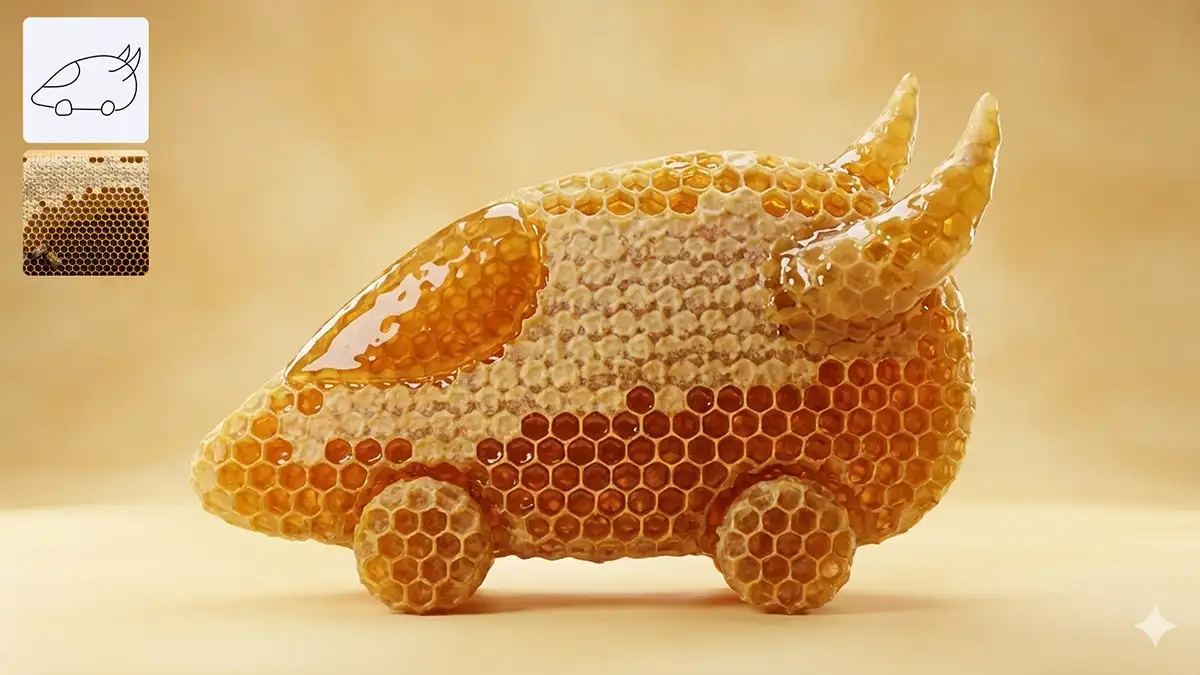
I’ve been deep in the lab testing the latest iterations of the two heavyweights dominating the conversation right now: Midjourney and the surprisingly powerful newcomer, Nano Banana Pro.
They are both incredible. They are also completely different animals.
If you’re trying to decide which one fits your creative practice, you’re in the right place. Let’s break it down.

Midjourney: The Soulful Art Director
For a long time, Midjourney had a massive barrier to entry: Discord. You had to navigate a chaotic chat server just to make art.
That is over.
The biggest news with the latest Midjourney update is that it has finally graduated to a dedicated web interface. No more slash commands in a crowded chat room. You can now organize, generate, and curate directly on their site. It’s cleaner, faster, and frankly, it treats you like a professional.
The Vibe
Midjourney is the artist. It understands “mood” better than any algorithm has a right to. When I put a prompt into Midjourney, I’m not just getting pixels; I’m getting style. It excels at texture, lighting, and that intangible “cinematic” quality.
Best For:
-
Concept Art & Mood Boards: When you need to convey a feeling to a client instantly.
-
Stylized Illustration: From oil painting textures to 1980s sci-fi aesthetics, it nails the “look.”
-
Creative Exploration: When you don’t know exactly what you want yet, and you want the AI to dream with you.
The Trade-off: It’s still a bit like working with a temperamental genius. You get magic, but sometimes it ignores your specific structural instructions in favor of making the image look “cool.”
Nano Banana Pro: The Precision Engineer
If Midjourney is the painter in the studio, Nano Banana Pro is the art director in the agency with a deadline and a brand style guide.
Powered by the latest Gemini 3 technology, this tool is less about “vibes” and more about reasoning. It doesn’t just hallucinate an image; it plans it.
The Vibe
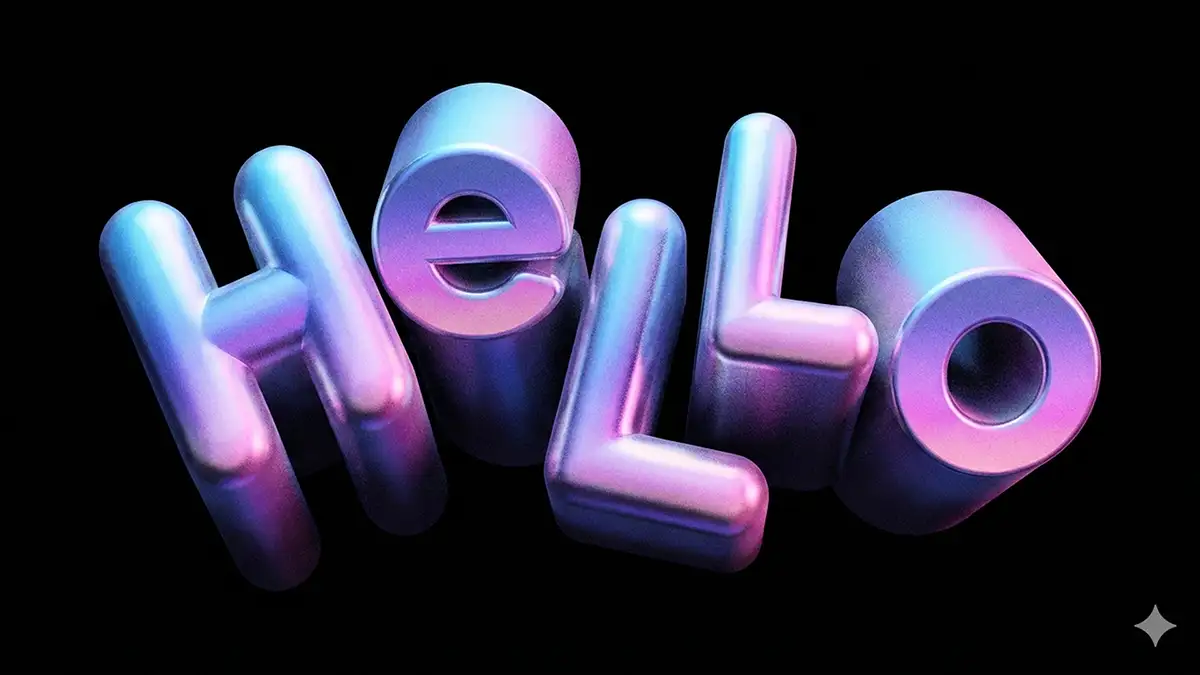
Nano Banana Pro is the workhorse. Its superpower is coherence. The latest version boasts a “reasoning core” that allows it to understand complex spatial relationships and – this is the killer feature – render text perfectly.
We all know the pain of AI gibberish. Nano Banana Pro solves that. If you need a poster that says “CREATE DAILY” in neon lights, it spells it C-R-E-A-T-E, not “CR3AATE.”
Best For:
-
Commercial Design: Mockups, packaging, and layouts where specific text needs to be legible.
-
Complex Composition: “A red cat on the left, a blue dog on the right, both looking at a floating apple.” It actually listens to the logistics.
-
Workflow Integration: Because it’s built on that Google/Gemini architecture, it fits seamlessly into a more corporate or production-heavy pipeline.
The Trade-off: It can sometimes feel a little too clean. It lacks that raw, gritty, “happy accident” artistic flair that Midjourney outputs effortlessly. You have to push it harder to get it to be weird.
The Verdict: Why Choose One When You Can Use Both?
In the creative world, we love to create false dichotomies. Nikon vs. Canon. Mac vs. PC. Midjourney vs. Nano Banana.
But the real pros know that the secret isn’t picking a side, it’s stacking the deck.
The most powerful workflow I’ve found isn’t about choosing a winner; it’s about leveraging their specific strengths to cover the other’s weaknesses.
Try this Hybrid Workflow:
-
Start with Midjourney: Use it to dream. Generate your base assets here to get that breathtaking lighting, the texture, and the emotional resonance that sets the mood.
-
Finish with Nano Banana Pro: Take that beautiful base image and bring it into Nano Banana. Use its precision tools to insert specific products, overlay legible text, or add your logo- tasks that Midjourney often fumbles.
Midjourney is your painter; Nano Banana is your typesetter and editor. When you combine them, you aren’t just generating images; you’re building finished products – here’s more details on exactly how to use them together.
My Advice?
Stop waiting for the perfect tool.
Amateurs argue about which app is better. Professionals pick up both, learn how they talk to each other, and ship the work.
Creativity is a habit, not a software feature. Whether you use them separately or together, the magic isn’t in the code. It’s in you.
















